



 Front-end
 Back-end
 Full Stack Developer
 Mobile
 Other
Other


 Company
 Contact Us
The burgeoning mobile app market presents a world of opportunity for businesses. In fact, the total revenue in the mobile app market is projected to reach US$420.80bn in 2022. However, the larger number of mobile app development tools available in the market can be daunting. Selecting the right tool is crucial for efficient development, optimal performance, and the success of your app.
That’s why we have created this blog. It serves as a comprehensive guide that can empower you to make informed decisions about the best mobile application development tool for your project.
7 Best Mobile App Development Tools
Flutter
Flutter has emerged as a prominent cross-platform mobile app development framework, attracting attention for its efficiency and capabilities. However, before making a decision, it's crucial to consider its strengths, weaknesses, and ideal use cases comprehensively, along with the expertise of Flutter developers.
Strengths of Flutter
-
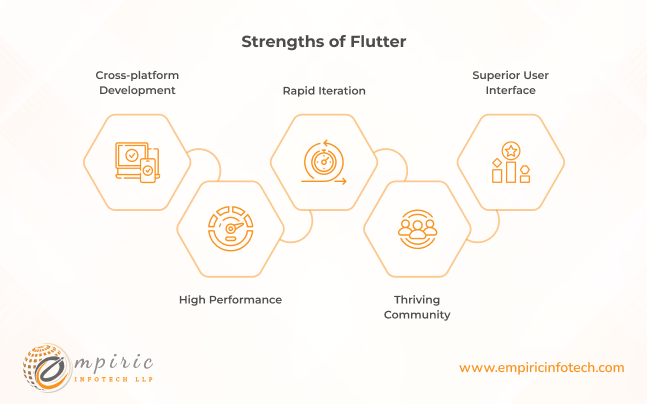
Cross-platform Development: Flutter utilizes a single codebase to deploy applications across both Android and iOS platforms. This leads to efficient resource utilization and reduced development time.
-
Rapid Iteration: The "hot reload" feature allows developers to instantaneously view changes made to the code on the device. It significantly accelerates the development process.
-
Superior User Interface: Flutter's extensive widget library and robust rendering engine facilitate the creation of visually appealing and dynamic user interfaces.
-
High Performance: Due to its native compilation, Flutter applications provide smooth animations and responsive interactions, even on older devices.
-
Thriving Community: A large and active community of developers readily offers support, resources, and inspiration for Flutter projects.
Weaknesses of Flutter
.png)
-
Learning Curve: While less complex than some frameworks, mastering Flutter still requires acquiring new knowledge and skills pertaining to its widgets and functionalities.
-
Limited Native Features: Accessing certain native platform-specific features might require additional plugins or custom development efforts.
-
App Size: Compared to native apps, Flutter applications can be slightly larger due to the inclusion of the framework code.
-
Evolving Ecosystem: While rapidly expanding, the Flutter ecosystem may not yet possess the extensive library of third-party components available for native development.
Ideal Use Cases of Flutter
-
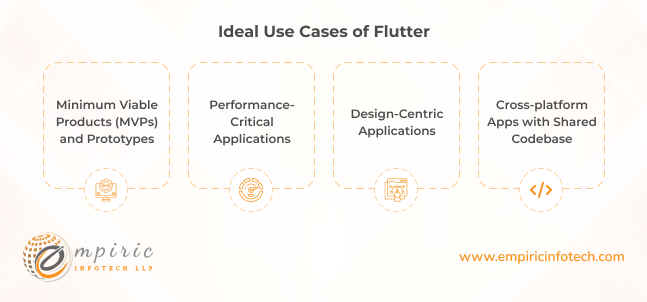
Minimum Viable Products (MVPs) and Prototypes: Flutter's rapid development cycle makes it ideal for quickly building and testing app ideas to gather valuable feedback.
-
Performance-Critical Applications: Apps with demanding animation requirements, games, and other performance-sensitive projects benefit greatly from Flutter's native rendering capabilities.
-
Design-Centric Applications: Flutter's flexibility and rich widget library allow for the creation of visually captivating and unique user interfaces. This caters specifically to design-driven projects.
-
Cross-platform Apps with Shared Codebase: When targeting both Android and iOS platforms, Flutter's cross-platform nature significantly reduces development time and resource allocation.
Ready to build a stunning, high-performance app? Schedule a 30-Minute call with our expert to discuss how Flutter can bring your project to life!
React Native
React Native has established itself as a prominent contender in cross-platform mobile app development. Utilizing JavaScript and leveraging web technologies like React, it enables developers to build native-looking applications for both Android and iOS platforms with a single codebase. attracting interest due to its advantages and capabilities. Let’s take a closer look.
Strengths of React Native
-
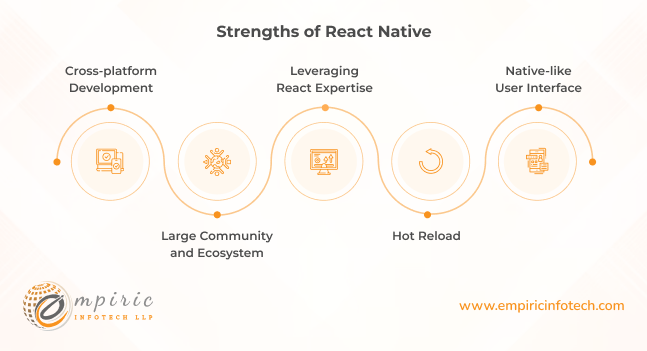
Cross-platform Development: React Native facilitates single codebase deployment across Android and iOS platforms. It promotes efficient resource utilization and reduced development times.
-
Leveraging React Expertise: Developers familiar with the React JavaScript library can readily adapt to React Native. That helps in minimizing the learning curve and accelerating skill adoption.
-
Native-like User Interface: React Native utilizes native components to render user interfaces. That ensures near-native performance and look-and-feel on both platforms.
-
Hot Reload: Instantaneous live-updating of code changes on the device enables faster development iterations and improved developer productivity.
-
Large Community and Ecosystem: A thriving community of developers provides extensive support, resources, and readily available third-party libraries.
Weaknesses of React Native
.png)
-
Limited Native Feature Access: Direct access to certain platform-specific functionalities might require additional plugins or workarounds.
-
Potential Performance Limitations: While offering near-native performance, complex applications may experience performance bottlenecks compared to native development.
-
Larger App Size: Compared to native apps, React Native applications can be marginally larger due to the inclusion of the JavaScript runtime environment.
-
Debugging Challenges: Debugging issues can be more intricate compared to native development due to the bridge between JavaScript and native code.
Ideal Use Cases of React Native
-
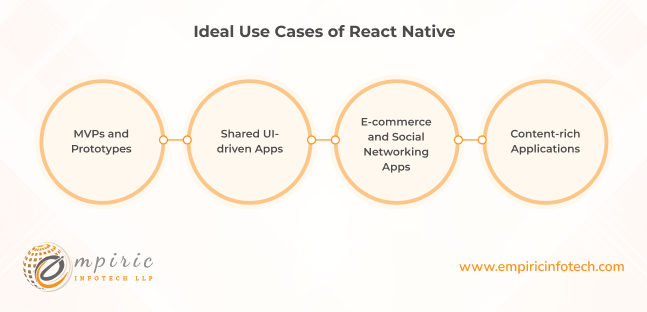
MVPs and Prototypes: Rapid development and cross-platform reach make React Native ideal for quickly building and testing app ideas to gather valuable user feedback.
-
Shared UI-driven Apps: Applications where a consistent user interface across platforms is crucial can benefit from React Native's single codebase deployment.
-
E-commerce and Social Networking Apps: React Native's performance and UI capabilities are well-suited for dynamic applications with heavy data interactions.
-
Content-rich Applications: News feeds, blogs, and other content-oriented apps can leverage React Native's efficient data rendering and cross-platform reach.
Ionic
Ionic has captured attention in the cross-platform mobile app development world. It offers a comprehensive toolkit for building high-quality mobile applications using web technologies like HTML, CSS, and JavaScript. Let’s discuss its pros, cons, and ideal use cases.
Strengths of Ionic
-
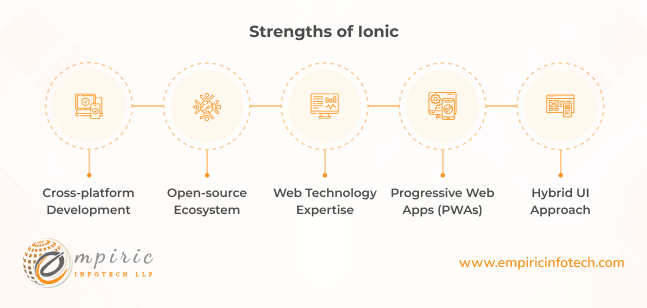
Open-source Ecosystem: A robust and vibrant open-source community provides extensive support, resources, and readily available plugins to enhance functionalities.
-
Progressive Web Apps (PWAs): Ionic readily facilitates PWA development, enabling offline functionality and enhanced user experience across platforms.
-
Hybrid UI Approach: Ionic combines web technologies with native components. That offers flexibility and customization while ensuring a platform-specific look and feel.
Weaknesses of Ionic
-
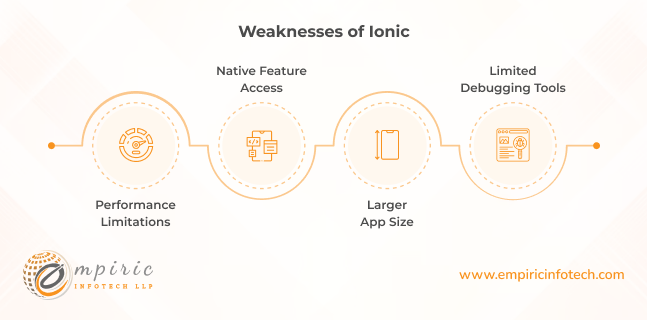
Performance Limitations: Compared to native development, Ionic applications may experience performance bottlenecks, particularly in resource-intensive scenarios.
-
Native Feature Access: Accessing certain platform-specific functionalities might require additional plugins or workarounds, introducing complexities and potential compatibility issues.
-
Larger App Size: Hybrid nature inherently increases app size compared to native development due to the inclusion of web technologies and potential plugins.
-
Limited Debugging Tools: Debugging challenges can be more intricate compared to native development due to the hybrid environment and web technologies involved.
Ideal Use Cases of Ionic
-
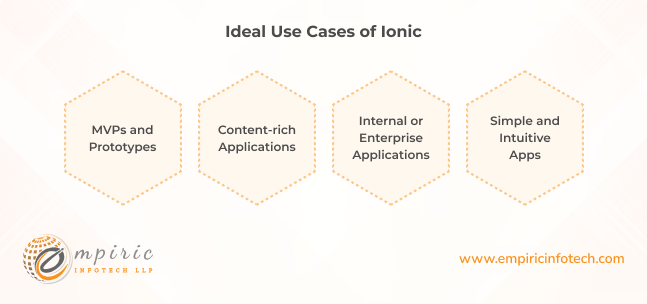
MVPs and Prototypes: Ionic's rapid development cycle and cross-platform reach make it well-suited for quickly building and testing app ideas to gather valuable user feedback.
-
Content-rich Applications: News feeds, blogs, and other content-oriented apps can leverage Ionic's robust web functionalities and PWA capabilities.
-
Internal or Enterprise Applications: Internally-focused or enterprise apps with less demanding performance requirements can benefit from Ionic's rapid development and cross-platform deployment.
-
Simple and Intuitive Apps: Applications with straightforward user interfaces and functionalities can effectively utilize Ionic's hybrid approach while maintaining platform-specific aesthetics.
Xamarin
Xamarin has carved a distinct path in mobile app development. It empowers developers to build native Android and iOS applications using C# and the .NET ecosystem. Before adopting
Xamarin, a thorough analysis of its strengths, weaknesses, and ideal use cases is crucial for informed decision-making.
Strengths of Xamarin
-
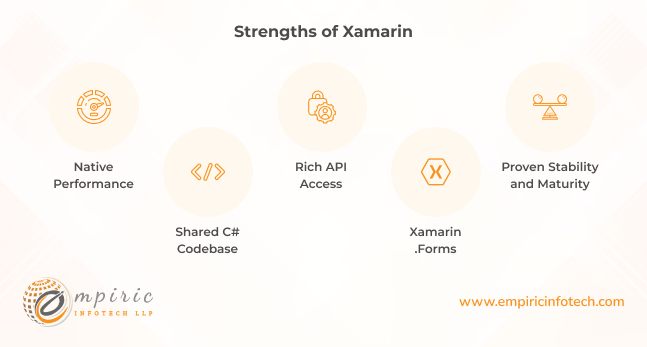
Native Performance: Xamarin applications are compiled to native code. That results in near-native performance and responsiveness, crucial for demanding applications.
-
Shared C# Codebase: Developers familiar with C# can readily adapt to Xamarin, minimizing the learning curve and accelerating project adoption.
-
Rich API Access: Xamarin provides comprehensive access to native APIs, enabling development of feature-rich apps that leverage platform-specific functionalities.
-
Xamarin.Forms: This framework facilitates UI development with a single codebase for shared user interfaces across Android, iOS, and Windows Phone.
-
Proven Stability and Maturity: Xamarin boasts a well-established track record and long-term support. That makes it a reliable choice for enterprise-grade applications.
Weaknesses of Xamarin
-
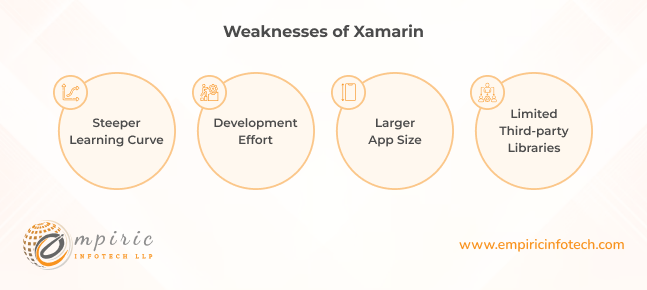
Steeper Learning Curve: Compared to some cross-platform frameworks, Xamarin requires deeper understanding of native app development concepts and C#.
-
Development Effort: While offering shared codebase benefits, porting existing native apps to Xamarin might require significant development effort.
-
Larger App Size: Native compilation inherently increases app size compared to hybrid approaches, potentially impacting download experience and data usage.
-
Limited Third-party Libraries: While the ecosystem is expanding, the availability of third-party libraries might not yet match native development options.
Ideal Use Cases of Xamarin
.png)
-
Enterprise Applications: Xamarin's native performance, platform-specific feature access, and C# familiarity makes it well-suited for complex enterprise solutions.
-
Line-of-Business Apps: Internal or business-critical applications requiring high performance and reliable access to native features can benefit from Xamarin's capabilities.
-
Performance-Driven Apps: Games, multimedia applications, and other performance-sensitive projects can leverage Xamarin's native compilation for optimal responsiveness.
-
Shared Codebase with Existing C# Expertise: When targeting multiple platforms and leveraging existing C# development skills, Xamarin's shared codebase approach can significantly improve efficiency.
Android Studio
Android Studio remains the official integrated development environment (IDE) for Android app development, attracting users with its comprehensive features and functionalities. Let’s analyze its strengths, weaknesses, and ideal use cases.
Strengths of Android Studio
-
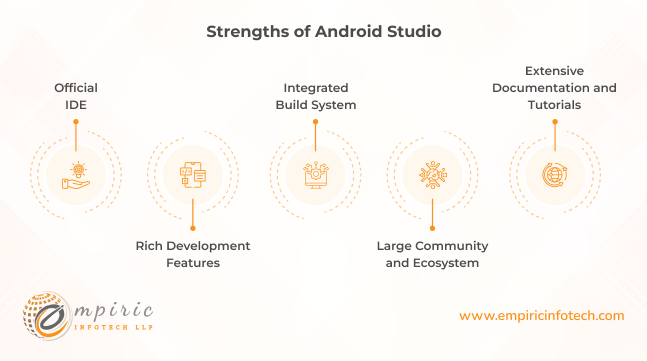
Official IDE: As Google's official platform, Android Studio enjoys direct integration with Android SDK tools and frameworks. It ensures seamless and up-to-date development experiences.
-
Rich Development Features: Android Studio provides a wealth of tools for app creation, debugging, and testing, including code editors, emulators, visual layout editors, and performance analysis tools.
-
Integrated Build System: Gradle integration allows for robust project management, build automation, and dependency management, streamlining development workflows.
-
Large Community and Ecosystem: A vast community of Android developers readily offers support, resources, tutorials, and plugins, enriching the development experience.
-
Extensive Documentation and Tutorials: Google provides comprehensive documentation and tutorials, readily guiding developers through Android Studio functionalities and best practices.
Weaknesses of Android Studio
-
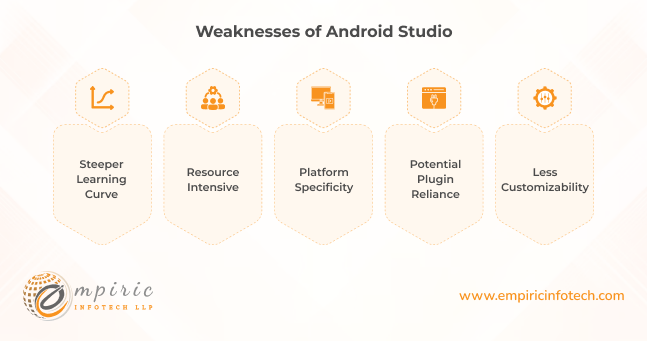
Steeper Learning Curve: Android Studio's feature-rich environment and complexity might pose a challenge for beginners or those unfamiliar with Java or Kotlin.
-
Resource Intensive: Running emulators and complex projects can be resource-intensive, potentially demanding high-performance hardware for efficient development.
-
Platform Specificity: Android Studio focuses solely on Android app development, limiting its use for multi-platform or web-based projects.
-
Potential Plugin Reliance: Some advanced functionalities might require additional plugins, introducing potential compatibility issues and maintenance considerations.
-
Less Customizability: Compared to some IDEs, Android Studio offers less flexibility in terms of user interface customization and workspace arrangements.
Ideal Use Cases of Android Studio
-
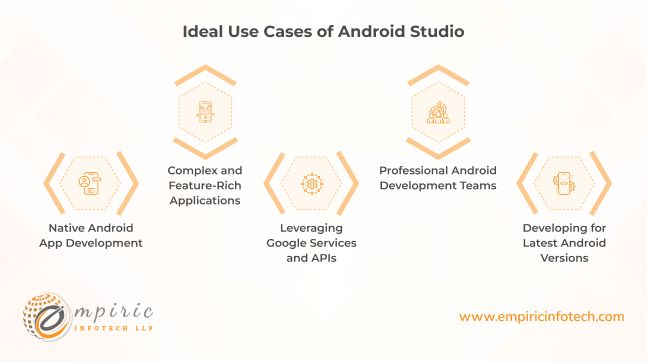
Native Android App Development: For projects requiring optimal performance, access to native Android features, and integration with Google-specific services, Android Studio is the optimal choice.
-
Complex and Feature-Rich Applications: Android Studio's robust development features and tools cater well to building complex apps with rich functionalities and demanding technical requirements.
-
Leveraging Google Services and APIs: Integration with Google Play Services, Google Maps, and other Google APIs is seamless within Android Studio, maximizing access to essential functionalities.
-
Professional Android Development Teams: Established teams with experienced Android developers can readily leverage Android Studio's powerful features and comprehensive ecosystem.
-
Developing for Latest Android Versions: Staying up-to-date with the latest Android versions and features is effortless with Android Studio's direct integration and official support.
Sencha
Sencha, a framework primarily based on HTML5 and JavaScript, has carved a niche in enterprise and data-rich mobile application development. Here are its pros, cons, and ideal use cases.
Strengths of Sencha
-
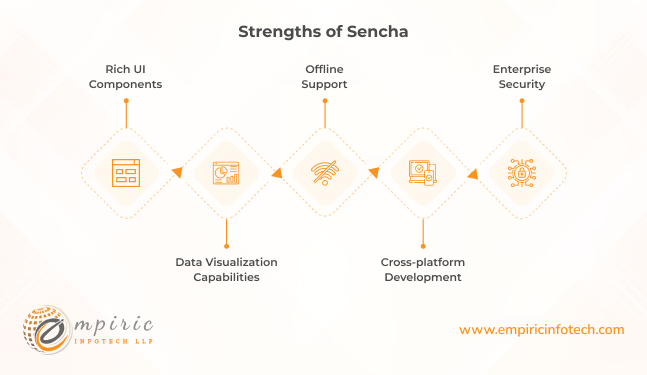
Rich UI Components: Sencha boasts a comprehensive library of pre-built, customizable UI components for building robust and visually appealing user interfaces.
-
Data Visualization Capabilities: Powerful data visualization features enable developers to create interactive charts, graphs, and dashboards effectively.
-
Offline Support: Sencha applications can operate effectively offline, storing and managing data efficiently for enhanced user experience in disconnected environments.
-
Cross-platform Development: Sencha offers frameworks for building web, mobile (native and hybrid), and desktop applications with a single codebase, maximizing development efficiency.
-
Enterprise Security: Sencha provides robust security features and data encryption options, making it suitable for handling sensitive information within enterprise applications.
Weaknesses of Sencha
-
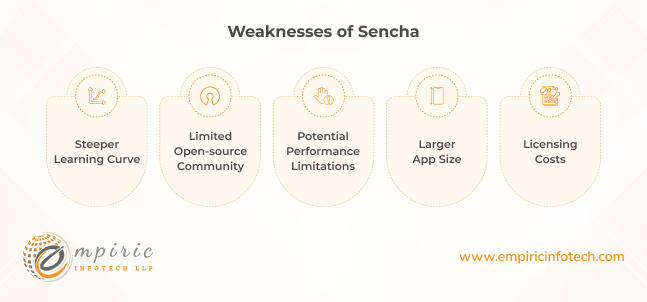
Steeper Learning Curve: Mastering Sencha's framework intricacies and extensive API might require more effort compared to some other development tools.
-
Limited Open-source Community: While Sencha offers commercial support, the open-source community and readily available third-party resources might be smaller compared to other frameworks.
-
Potential Performance Limitations: Heavy data-intensive applications or complex animations might experience performance limitations compared to native development approaches.
-
Larger App Size: Compared to some native and hybrid frameworks, Sencha applications can be slightly larger due to the inclusion of the framework code and components.
-
Licensing Costs: Sencha is primarily a commercial framework, potentially incurring recurring licensing costs depending on the chosen plan and project requirements.
Ideal Use Cases of Sencha
-
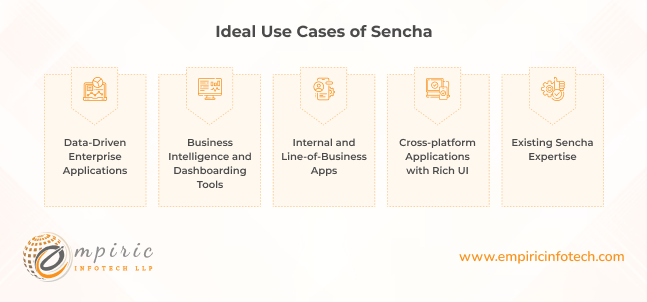
Data-Driven Enterprise Applications: Sencha's rich UI components, data visualization capabilities, and offline support make it well-suited for building data-centric applications within enterprise environments.
-
Business Intelligence and Dashboarding Tools: Creating interactive dashboards and analytics platforms for business users can leverage Sencha's intuitive features and data visualization options.
-
Internal and Line-of-Business Apps: Enterprise-focused applications with complex data management and security requirements can benefit from Sencha's robust functionalities and offline capabilities.
-
Cross-platform Applications with Rich UI: When targeting multiple platforms and requiring consistent, feature-rich user interfaces, Sencha's single codebase approach and comprehensive UI components can be advantageous.
-
Existing Sencha Expertise: Leveraging existing Sencha development skills and team experience can make it a suitable choice for projects requiring familiarity and continuity.
AppCode
AppCode, developed by JetBrains, stands out as a dedicated IDE for iOS and macOS development. It caters specifically to developers crafting applications for Apple's platforms. Here are more details about it.
Strengths of AppCode
-
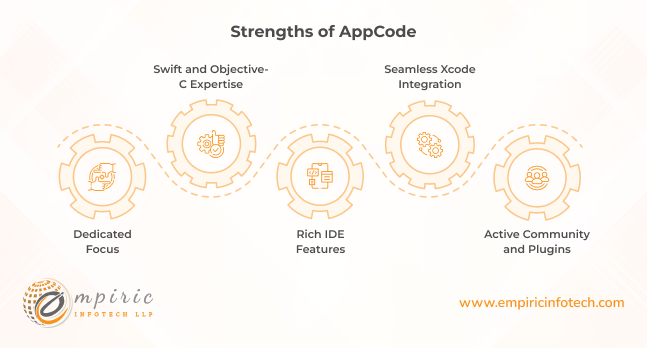
Dedicated Focus: AppCode provides a tailored environment for iOS and macOS development, offering focused functionalities and optimizations specific to these platforms.
-
Swift and Objective-C Expertise: Deep integration with both Swift and Objective-C languages enables efficient code editing, analysis, and debugging capabilities.
-
Rich IDE Features: AppCode provides a wealth of features for streamlining development tasks such as code completion, refactoring tools, live inspections, and performance analysis.
-
Seamless Xcode Integration: Integration with Xcode facilitates smooth project collaboration and deployment, minimizing workflow disruptions.
-
Active Community and Plugins: A vibrant community offers support, resources, and extensions, further enriching the development experience.
Weaknesses of AppCode
-
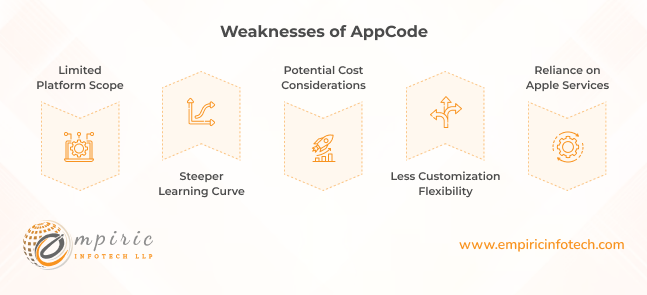
Limited Platform Scope: AppCode focuses solely on iOS and macOS development, restricting its use for projects targeting other platforms.
-
Steeper Learning Curve: While streamlined for specific platforms, AppCode's feature-rich environment might require more learning effort compared to simpler IDEs.
-
Potential Cost Considerations: Depending on the chosen license, AppCode might incur recurring subscription costs, impacting project budgets.
-
Less Customization Flexibility: Customization options for the user interface and workspace arrangements might be less extensive compared to some general-purpose IDEs.
-
Reliance on Apple Services: Compatibility and functionality are directly tied to Apple's tools and frameworks, requiring reliance on their updates and potential changes.
Ideal Use Cases of AppCode
-
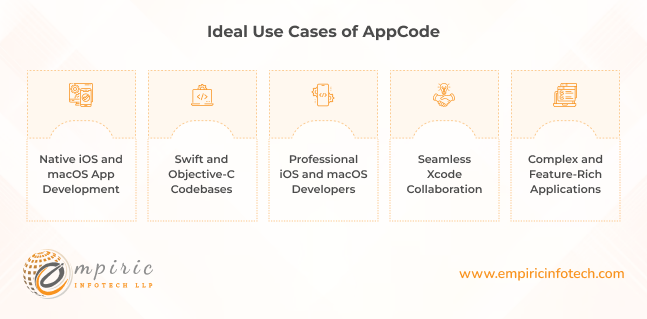
Native iOS and macOS App Development: For projects exclusively targeting iOS and macOS platforms, AppCode's dedicated focus and optimized features offer significant efficiency gains.
-
Professional iOS and macOS Developers: Experienced developers familiar with Swift and Objective-C can readily leverage AppCode's rich IDE features and debugging capabilities.
-
Complex and Feature-Rich Applications: AppCode's advanced functionalities cater well to building complex iOS and macOS applications with demanding technical requirements.
-
Swift and Objective-C Codebases: Projects utilizing both Swift and Objective-C can benefit from AppCode's comprehensive language support and integrated functionalities.
-
Seamless Xcode Collaboration: When working with teams using Xcode, AppCode's smooth integration ensures efficient collaboration and workflow consistency.
How to Choose the Best Mobile Application Development Tool for Your Project
Choosing the best mobile application development tools for your project requires a careful and systematic approach. Here are some steps to guide you:
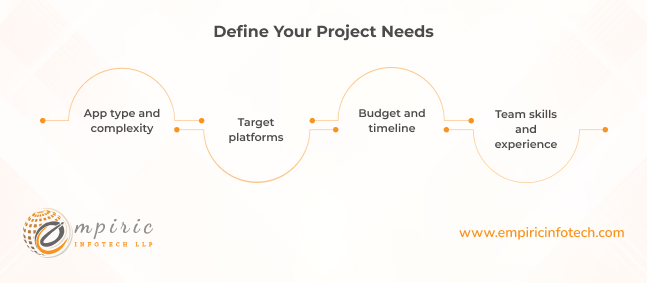
Define Your Project Needs
-
App type and complexity: Is it a simple game, a data-driven enterprise app, or something in between? The complexity will influence the level of features and development resources needed.
-
Target platforms: Android, iOS, both, or other platforms? Cross-platform frameworks might be efficient for multiple platforms, while native tools offer specific advantages.
-
Budget and timeline: Consider costs of tools, licenses, and developer expertise. Some frameworks have steeper learning curves but offer free access, while others might require paid licenses and experienced developers.
-
Team skills and experience: Evaluate your team's existing knowledge and expertise in different languages, frameworks, and tools. Choosing a familiar framework might be faster but limit options.
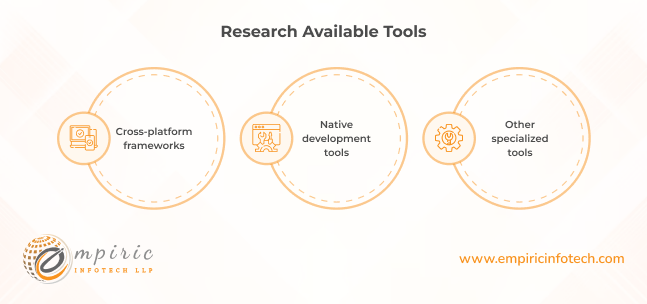
Research Available Tools
-
Cross-platform frameworks: Flutter, React Native, Ionic, Xamarin offer code reusability across platforms but might have performance limitations or limited native feature access.
-
Native development tools: Android Studio (Android), Xcode (iOS) provide optimal performance and platform-specific features but require separate codebases for each platform.
-
Other specialized tools: Appcelerator (hybrid), Sencha (data-rich enterprise apps), AppCode (dedicated iOS/macOS) cater to specific needs but might not be suitable for all types of projects.
Check out our comprehensive guide now to know how you can build stunning apps across platforms with Flutter app development.
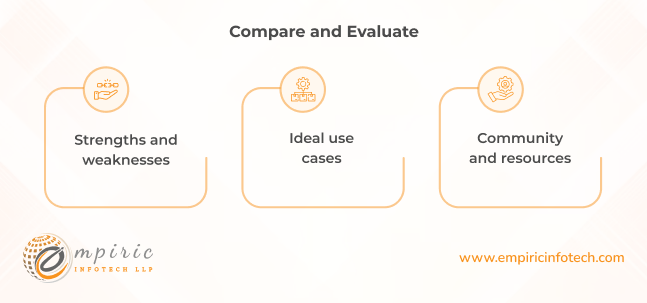
Compare and Evaluate
-
Strengths and weaknesses: Analyze each tool's capabilities, limitations, learning curve, community support, and resource availability.
-
Ideal use cases: Identify which tools align best with your project's specific needs and requirements.
-
Community and resources: Explore available documentation, tutorials, forums, and third-party libraries to assess learning and support options.
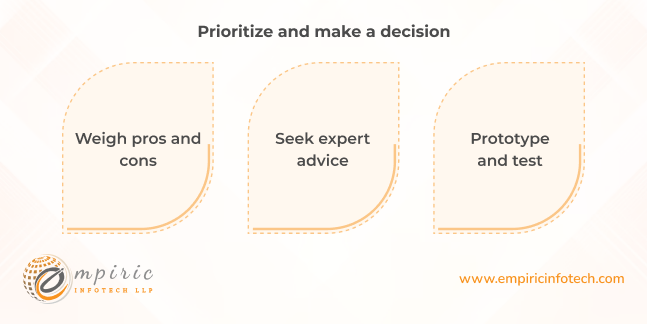
Prioritize and make a decision
-
Weigh pros and cons: Consider the trade-offs between different tools in terms of development time, performance, flexibility, cost, and long-term maintainability.
-
Seek expert advice: Consult with experienced developers or software development companies for further insights and recommendations based on your specific project needs.
-
Prototype and test: If possible, build small prototypes with different tools to compare their feel and capabilities in a practical setting.
Choose the Right Mobile App Development Tool With Empiric Infotech
Choosing the right mobile app development tool is a critical decision shaping the efficiency, performance, and ultimately, the success of your project.
However, navigating the complexities of mobile development can be challenging. That’s why Empiric Infotech is here to equip you with the expertise and support you need to turn your app vision into reality. Our team of seasoned developers possesses extensive experience across a wide range of tools and platforms. That will enable us to guide you towards the perfect match for your project.
From initial tool selection and project planning to development, testing, and deployment, Empiric Infotech offers comprehensive services to simplify your journey. We believe in open collaboration, working closely with you to understand your unique goals and tailor our approach accordingly.
With our proven track record and commitment to quality, we ensure your app not only excels on the technical front but also resonates with your target audience.