



 Front-end
 Back-end
 Full Stack Developer
 Mobile
 Other
Other


 Company
 Contact Us
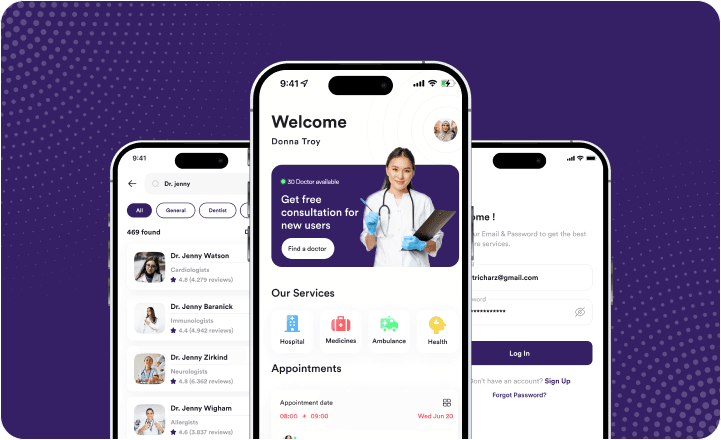
With the growing need for convenient healthcare solutions, telemedicine apps like Teladoc have become increasingly popular. These apps make it easy for patients to connect with doctors, receive consultations, and get prescriptions without needing to visit a clinic.
As we move into 2025, developing a telemedicine app can be a great opportunity for businesses looking to meet this demand.
Before we move ahead if you have questions like,
- What is a Telemedicine app?
- Why should you develop a Telemedicine app?
- Trends and challenges in Telemedicine apps
- Types of Telemedicine apps
- Telemedicine app must-have features
- What are popular integrations in Telemedicine app
- Telemedicine app development process
- What is the Telemedicine app development cost?
You can check out our article, Telemedicine App Development Guide to get the answer to all your questions listed above.
Now if you’re considering building a telemedicine app like Teladoc, this guide will help you understand the process, from the key features you’ll need to the technical steps and challenges you might face.
Core Features of a Telemedicine App
Before starting the development process, it's important to know the features that users expect from a telemedicine app like Teladoc. Here are some of the key features:
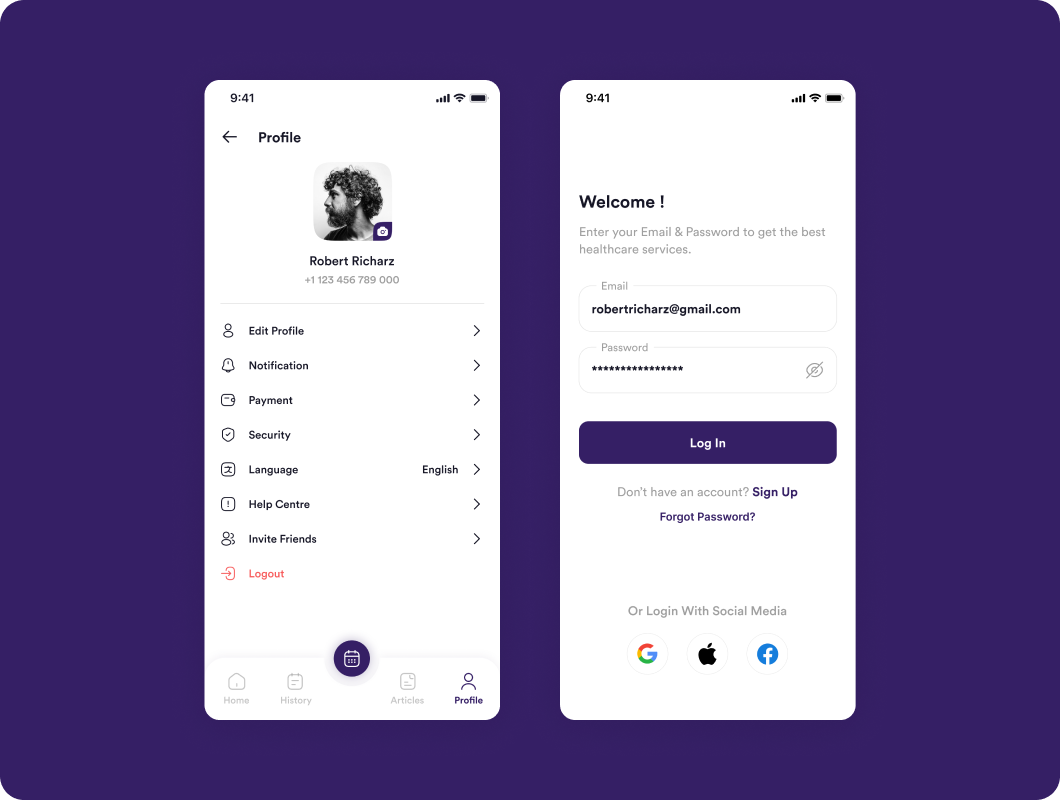
User Registration & Profile Management
This allows patients and doctors to create accounts and manage their profiles. Patients can add personal information and medical history, while doctors can include their qualifications and areas of expertise.
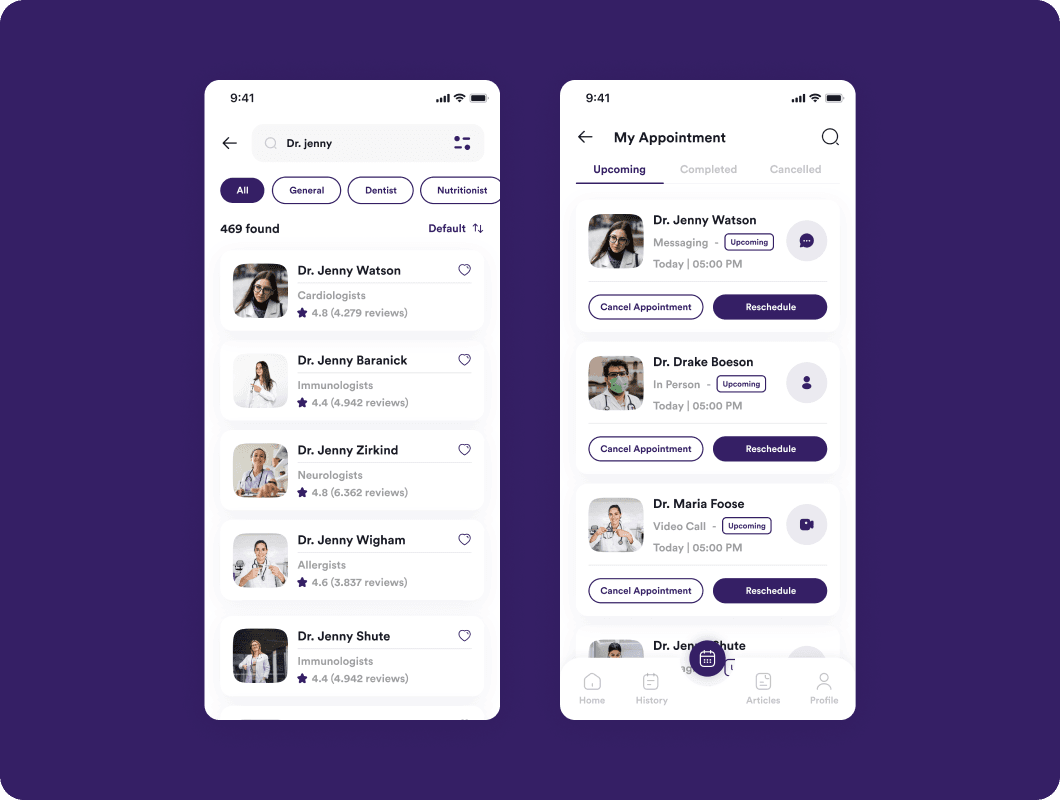
Doctor Search & Appointment Scheduling
Patients need to be able to search for doctors by specialty, location, or availability. Once they find the right doctor, they should be able to schedule a virtual appointment easily.
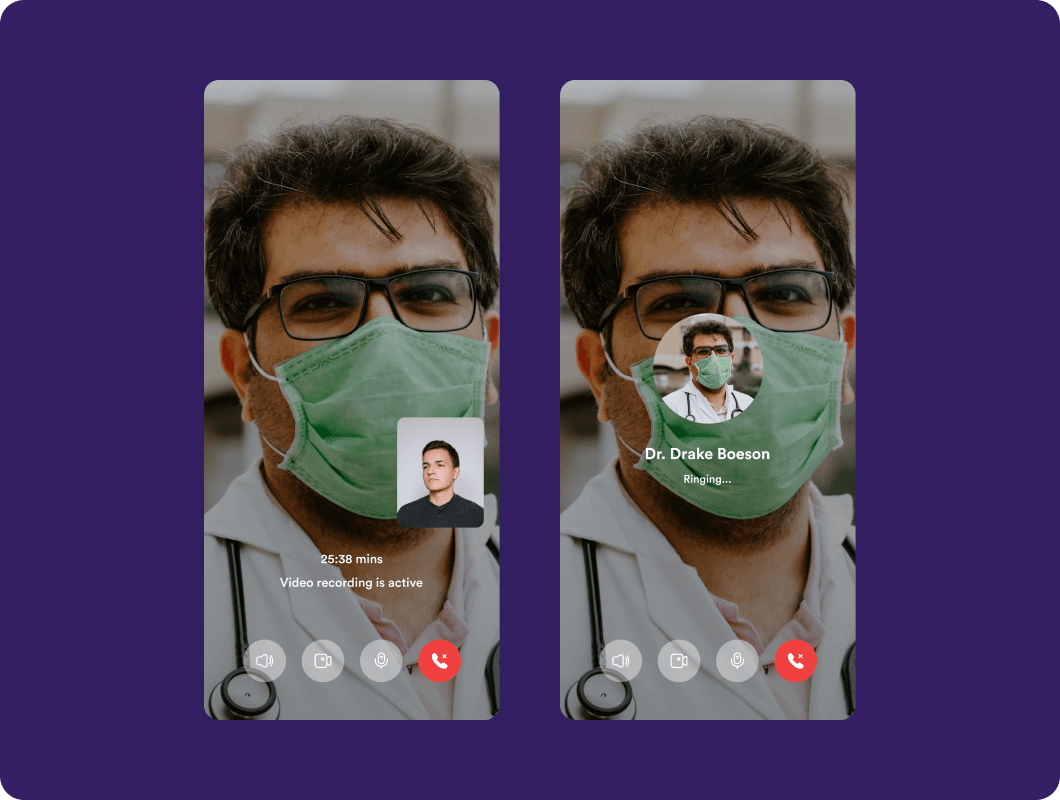
Video Consultation
High-quality video calling is at the heart of telemedicine. A secure and reliable video chat feature allows patients to have face-to-face consultations with doctors from the comfort of their homes.
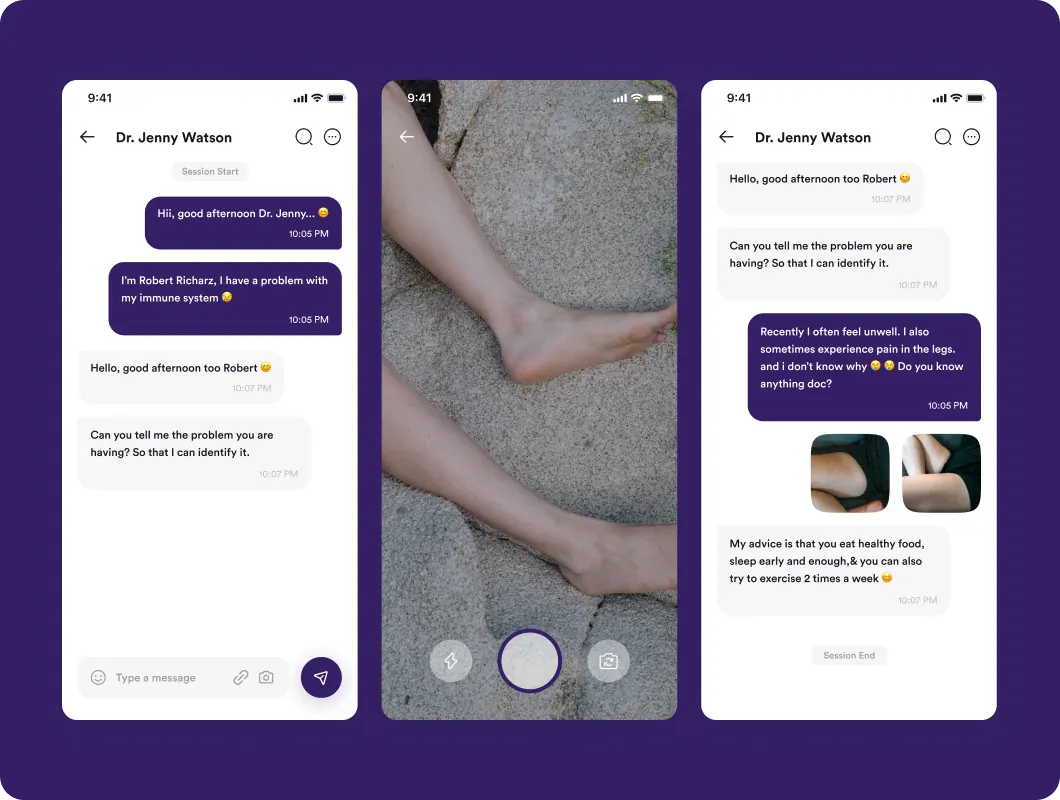
In-App Messaging & Chat
Sometimes, patients need to ask follow-up questions after a consultation. An in-app chat feature makes it easy for doctors and patients to stay in touch without needing a separate communication platform.
E-Prescriptions
This feature lets doctors provide digital prescriptions that patients can use to buy medications. It simplifies the process and ensures patients get their prescriptions quickly.
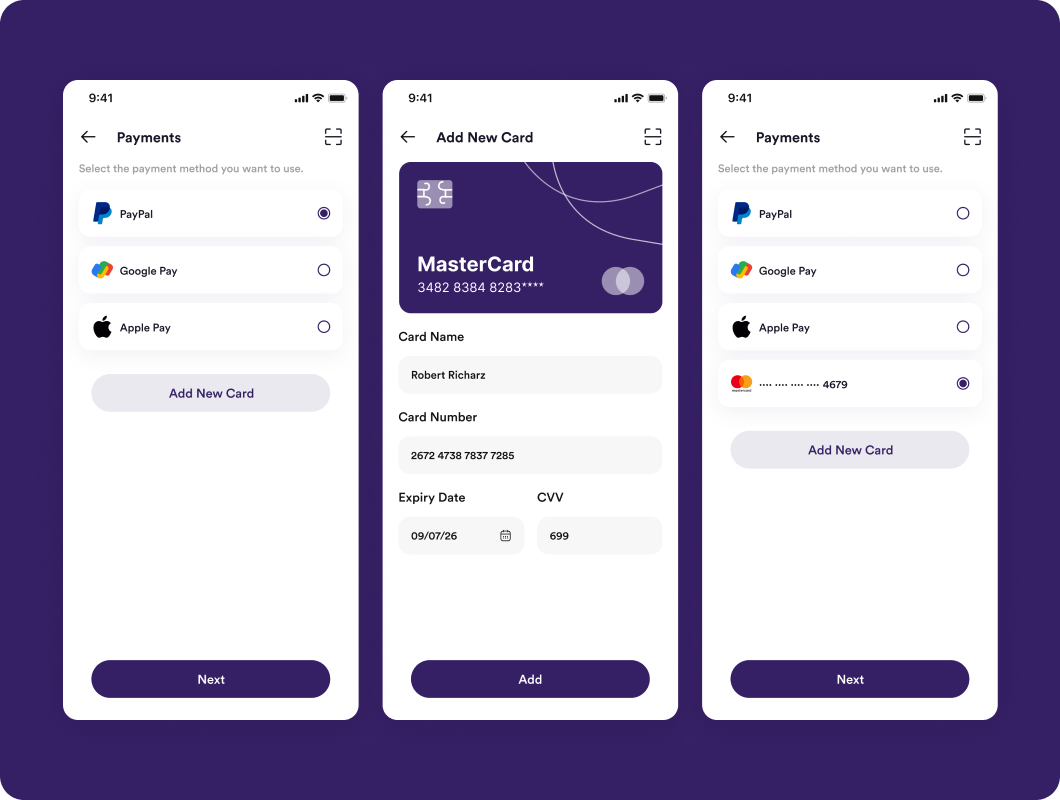
Payment Gateway Integration
To charge patients for consultations, you’ll need a secure payment system. Integration with popular payment gateways like Stripe or PayPal ensures that transactions are smooth and secure.
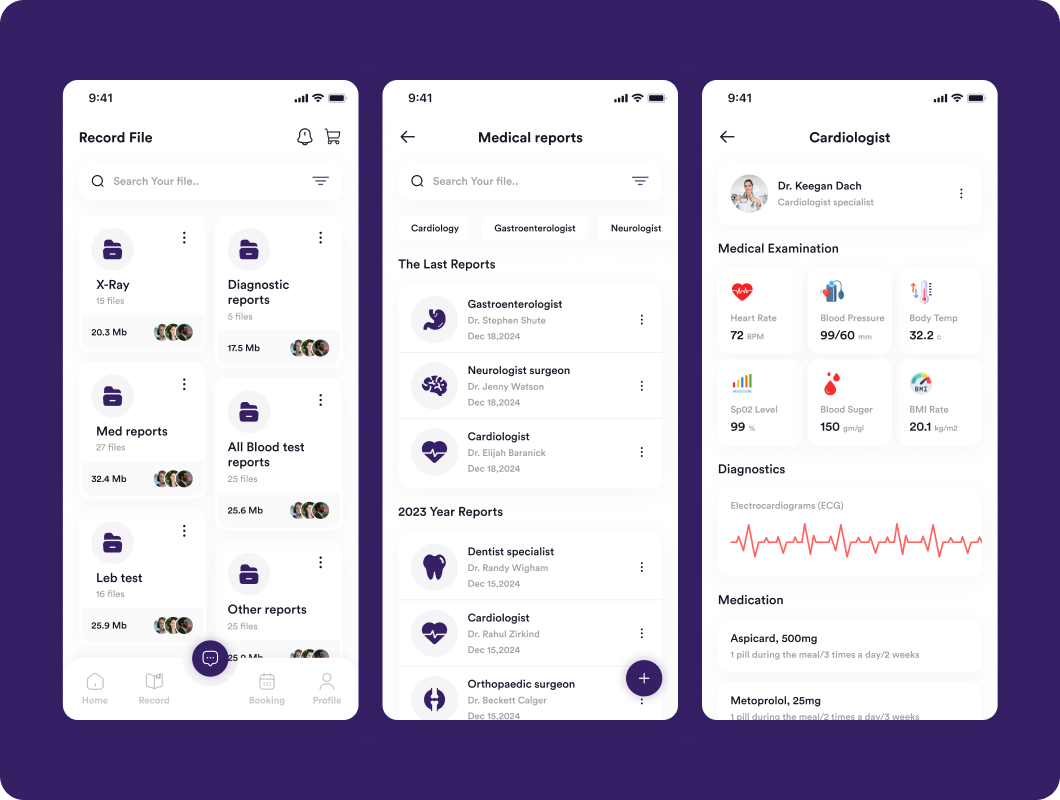
Health Records Management
Patients and doctors should be able to store and access medical history, test results, and treatment plans. This helps keep track of progress and makes follow-up care easier.
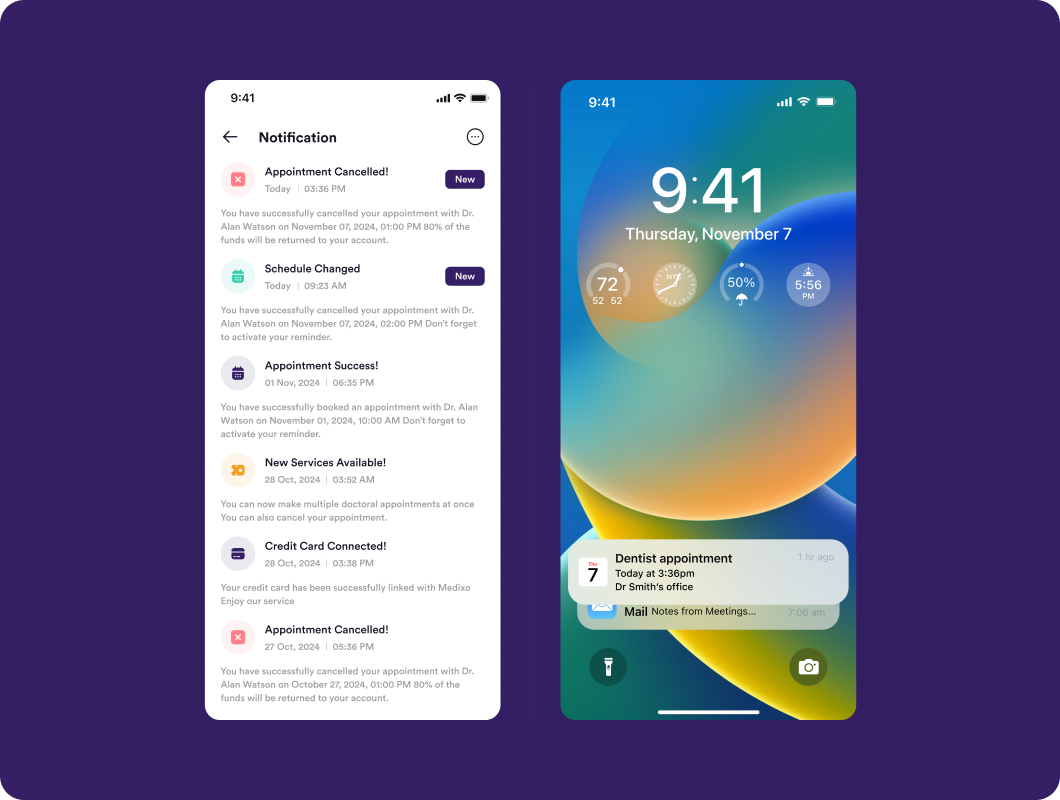
Notifications & Reminders
Reminders about upcoming appointments, prescription refills, or follow-up visits can improve the user experience and ensure patients stay engaged with the app.
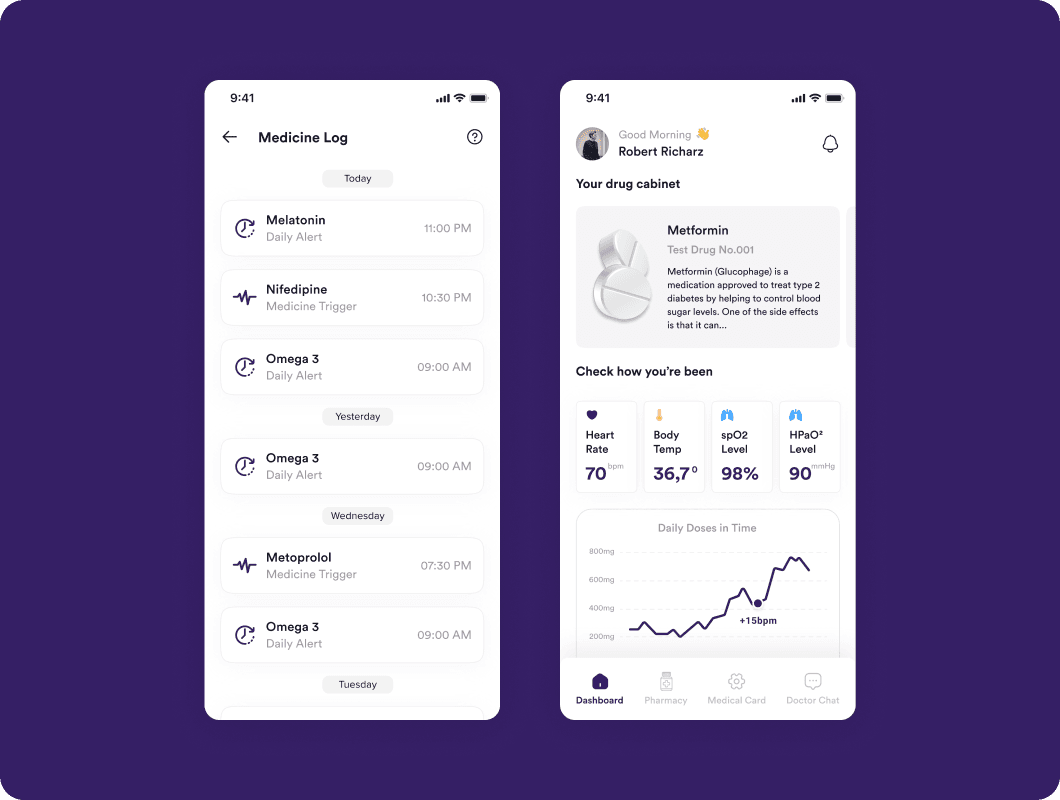
Admin Dashboard
An admin panel helps manage users, monitor app performance, and ensure compliance with healthcare regulations.
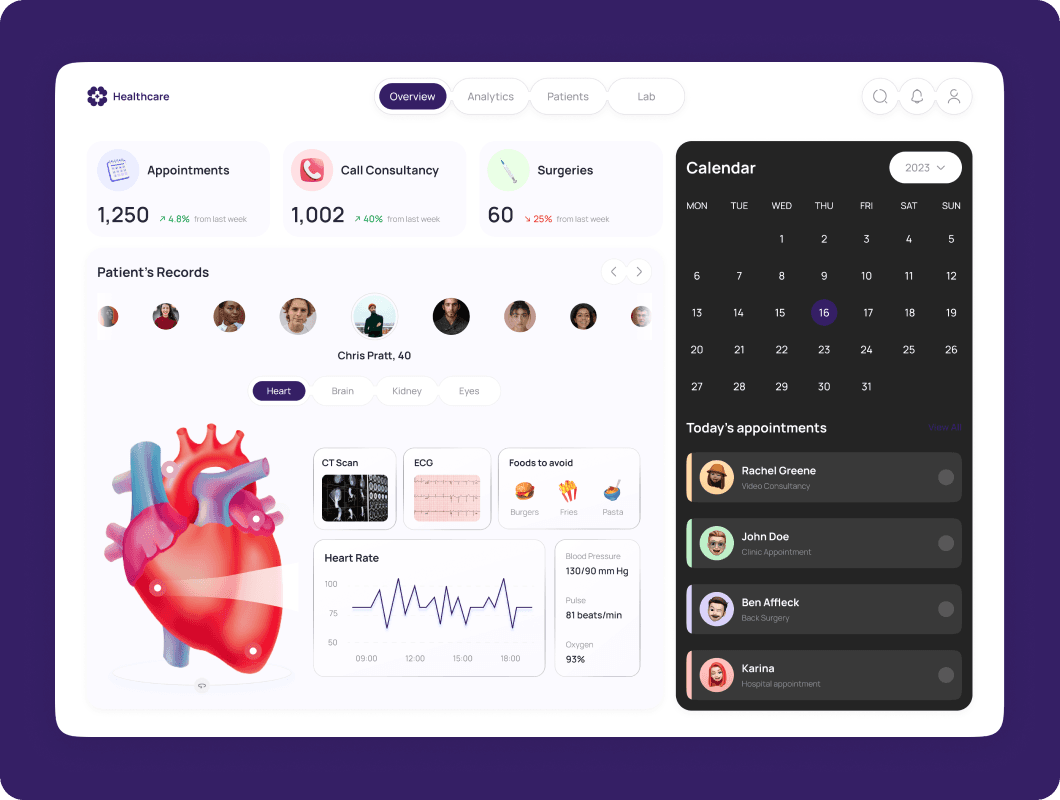
Step-by-Step Guide to Developing a Telemedicine App like Teladoc
Developing a telemedicine app involves a few key steps. Here’s a breakdown of the process:
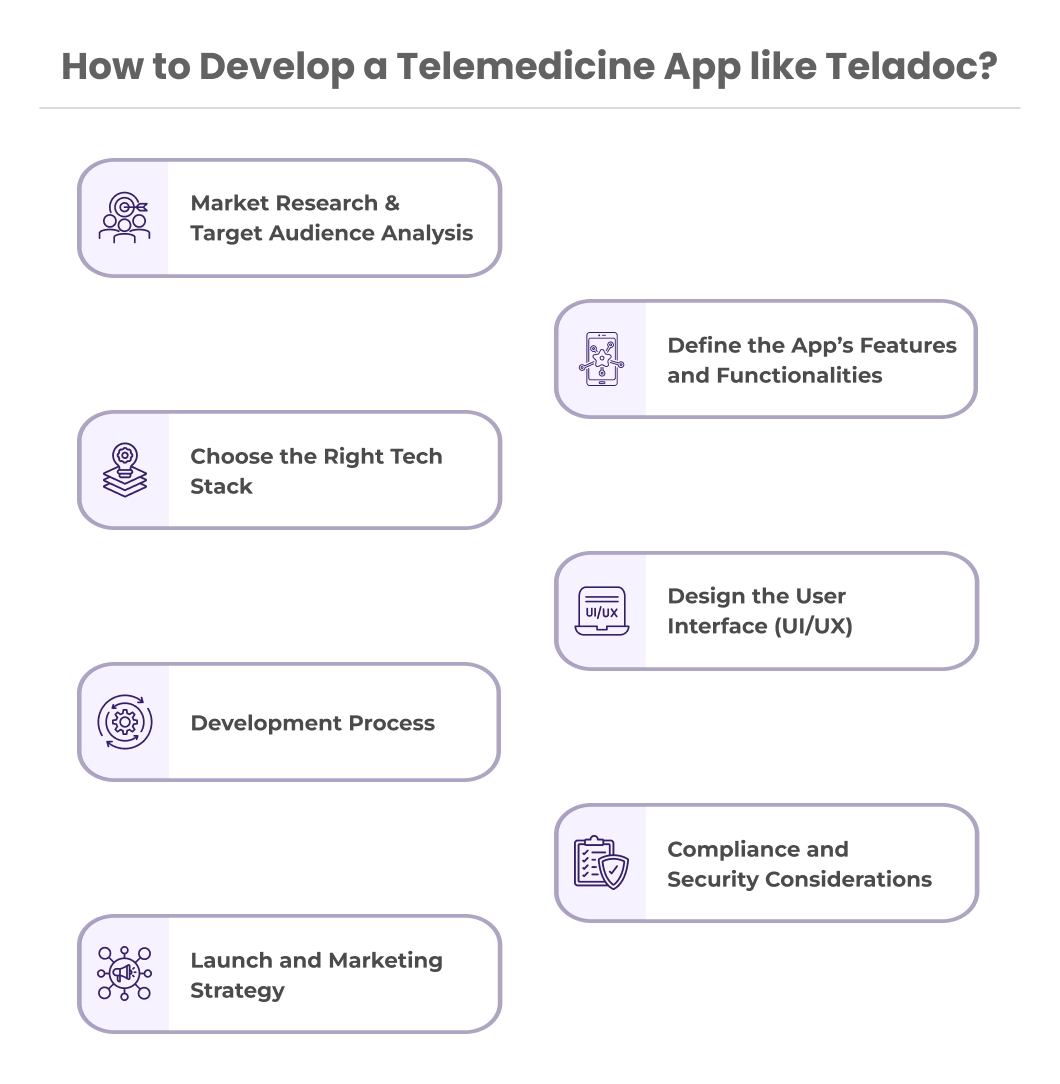
Step 1: Market Research & Target Audience Analysis
Before building the app, it’s essential to understand your target audience. Are you focusing on general healthcare or specific medical fields? What are the common challenges faced by users, and how can your app solve them?
Additionally, research competitors like Teladoc to see what features are already working well and where there might be room for improvement.
Step 2: Define the Features and Functionalities
Once you understand the needs of your audience, define the key features for your app. Prioritize features that are essential for the initial launch, such as video calls and appointment scheduling.
This will help you keep the app simple while still offering the core services users expect. Consider adding optional features later as you gather feedback from users.
Step 3: Choose the Right Tech Stack
Choosing the right technologies is important for building a secure and scalable app. Here are some key considerations:
-
Backend
Technologies like Node.js, Python, or Java can be used for the backend server. These are reliable for managing user data and handling complex logic.
-
Frontend
Use frameworks like Flutter or FlutterFlow to build cross-platform apps for both iOS and Android. This saves time and ensures a consistent user experience across devices.
-
Database
Databases like MongoDB or Firebase can store user information and medical records securely.
-
Third-Party Integrations
Use APIs for video calling (e.g., Twilio, WebRTC), payment gateways (e.g., stripe), and electronic health records (EHR).
Step 4: Design the User Interface (UI/UX)
The design of your app plays a big role in how users interact with it. Aim for a clean and simple design that makes it easy for users to find doctors, book appointments, and start consultations.
Creating mockups and wireframes can help you visualize how users will move through the app and make sure all essential functions are easy to access.
Step 5: Development Process
-
Frontend and Backend Development
Develop the backend server and set up the database for storing user data. At the same time, build the front end using the chosen framework to ensure a smooth and responsive user interface.
-
Integration of Video Calling
Integrate video calling features using APIs like Twilio or WebRTC. Make sure the video calls are encrypted for privacy.
-
Testing
Thoroughly test the app to ensure that all features work as expected. Test on different devices to make sure the app is user-friendly and performs well.
-
Iterative Feedback & Improvement
Launch a beta version of the app to a small group of users. Gather feedback and make necessary adjustments before the full launch.
Step 6: Compliance and Security Considerations
Telemedicine apps handle sensitive information, so security is a top priority. Here’s what to keep in mind:
-
HIPAA Compliance
If you are operating in the US, the app must comply with HIPAA regulations to ensure patient privacy.
-
Data Encryption & Privacy
Implement strong encryption methods to protect patient data and ensure secure video communications.
-
GDPR Compliance
For users in the European Union, follow GDPR regulations to protect personal data and ensure privacy.
Step 7: Launch and Marketing Strategy
After development, it’s time to launch the app and attract users:
-
Soft Launch for Beta Testing
Release a beta version to a small group of users to identify any issues before the public launch.
-
App Store Optimization (ASO)
Optimize the app’s listing on the App Store and Google Play to improve its visibility.
-
Digital Marketing Strategy
Use social media, email campaigns, and partnerships with healthcare providers to promote your app and reach a larger audience.
Post-Launch Support and Maintenance
After your app is live, ongoing support is crucial to keeping users satisfied: Ongoing support is the part a fixed-price build handles worst, which is why a telemedicine product is usually better served by a dedicated mobile app development team that stays on the codebase after launch than by a build-and-hand-off vendor.
-
Regular Updates and Feature Enhancements
Continuously update the app to fix bugs and introduce new features based on user feedback.
-
Scalability
Plan for scaling the app as your user base grows, ensuring it can handle more traffic and users.
-
User Support
Set up a reliable support system to help users with any technical issues or questions about using the app.
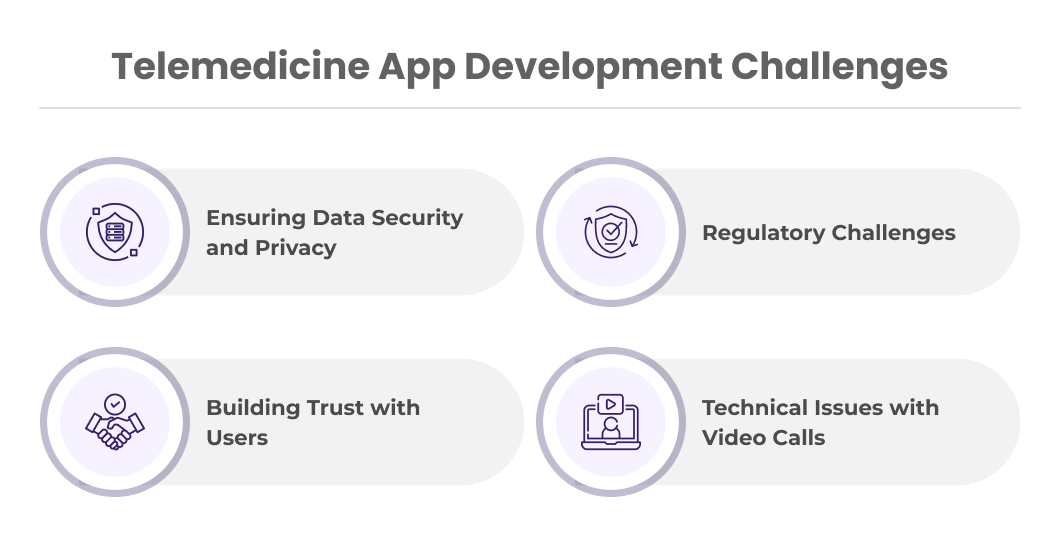
Challenges in Building a Telemedicine App
Developing a telemedicine app comes with some challenges:
-
Ensuring Data Security and Privacy
Handling sensitive health data requires strict security measures. But by using blockchain in healthcare you can store patient’s data securely.
-
Regulatory Challenges
Navigating healthcare regulations can be complex, and it's important to stay compliant with laws in different regions.
-
Building Trust with Users
Patients need to feel confident that their information is safe and that they will receive quality care.
-
Technical Issues with Video Calls
Ensuring stable video quality and managing different internet speeds can be challenging.
You might love to learn more about Top Healthcare Industry Trends, Challenges, and Solutions
Cost of Developing a Telemedicine App like Teladoc
Telemedicine App Development cost is between $50k to $70k in the USA. However, the cost of developing a telemedicine app depends on factors like the complexity of features, the platforms you’re targeting, and the location of your development team.
Empiric Infotech LLP for Telemedicine App like Teladoc
Empiric Infotech LLP is specializing in building robust, scalable, and user-friendly healthcare mobile app development. Our technical expertise, industry experience, and focus on user satisfaction make us a valuable partner in creating an app that can compete with industry leaders like Teladoc.
Ready to develop a Telemedicine App like Teladoc? Schedule a call with our experts today to build an app like Teladoc at a competitive price.
Conclusion
Building a telemedicine app like Teladoc in 2025 can be a great way to meet the rising demand for convenient healthcare solutions. By focusing on the right features, choosing the right technologies, and paying attention to security and compliance, you can create a successful telemedicine app that meets the needs of patients and doctors alike. With careful planning and the right development team, your app can make accessing healthcare easier for everyone.
What a telemedicine engagement looks like
A product carrying patient data is never finished at launch: the video layer, the EHR and payment integrations, and the compliance surface all need someone on them every month afterwards. Empiric Infotech runs that as a remote mobile app development company engagement, one dedicated developer or a small dedicated team at $2,000 USD per month per developer for 160 to 172 hours, billed monthly upfront, with a senior lead reviewing and testing every release. For HIPAA-compliant clinical platforms built this way, see our healthcare software development services. Your repo, your Apple Developer and Google Play accounts, and your cloud account are yours from day one, and there is a 7-day risk-free trial.