




 Front-end
 Back-end
 Full Stack Developer
 Mobile
 Other
Other


 Company
 Contact Us

MathIQ AI: Maths Learning App
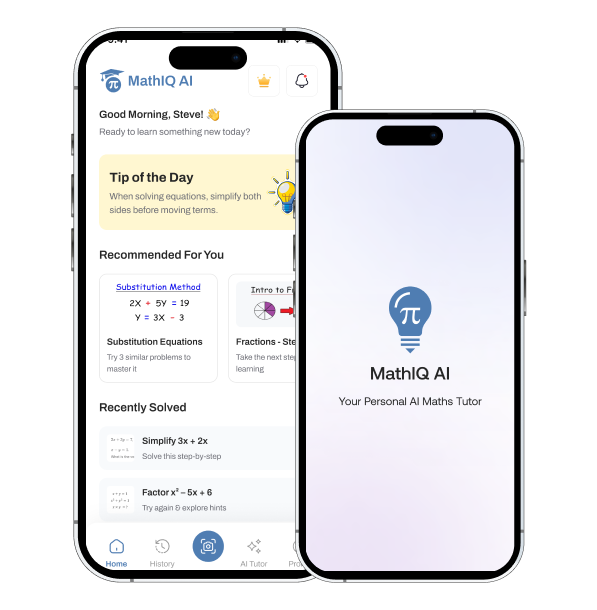
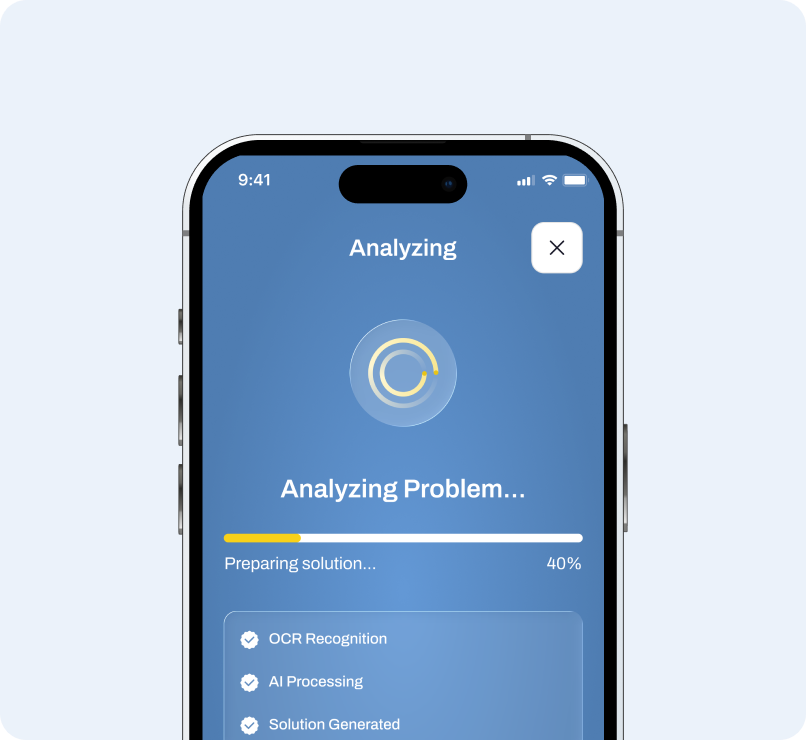
MathIQ AI is an AI-powered maths learning app that helps students solve problems through camera-based scanning and an AI Maths Tutor.
platform
Mobile Application
team
2 Members
location
United States
industries
Education
Project Background
Project Background
Students often turn to digital tools when they are stuck on a maths problem, but simply receiving the correct answer does not necessarily help them understand the underlying concept.
MathIQ AI was designed as a focused learning companion that combines AI-powered problem solving with guided learning. Users can scan a maths question or ask the AI Tutor a question, receive a step-by-step solution, and then explore a recommended lesson based on the concept behind that problem.
The product was designed around a simple learning loop:
Scan / Ask → Solve → Understand → Learn → Practice → Revisit
Empiric Infotech designed MathIQ AI, and one dedicated developer built it with Flutter.

Business Needs
Business Needs
- Make maths problem solving faster through camera-based question scanning.
- Provide understandable solutions instead of only showing final answers.
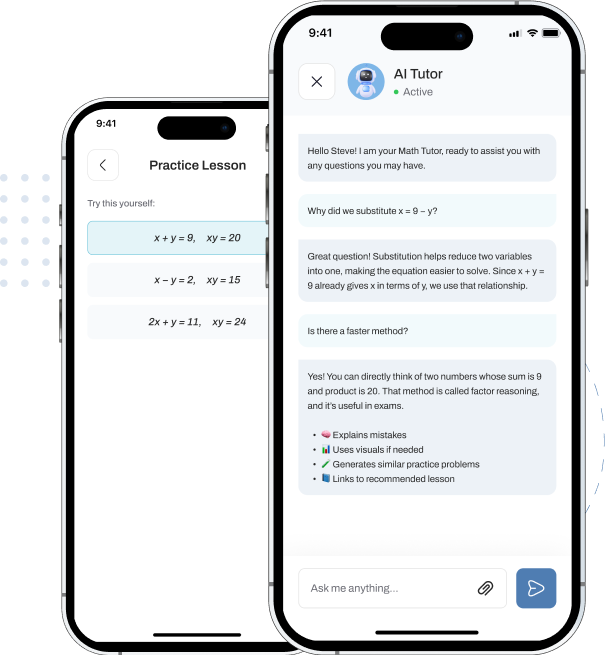
- Introduce AI-powered tutoring for concept explanations, guided solving, questions, and exam preparation.
- Turn individual questions into learning opportunities through personalized lesson recommendations.
- Encourage continued learning through daily maths tips and relevant content.
- Help users revisit previous learning through history and bookmarked lessons.
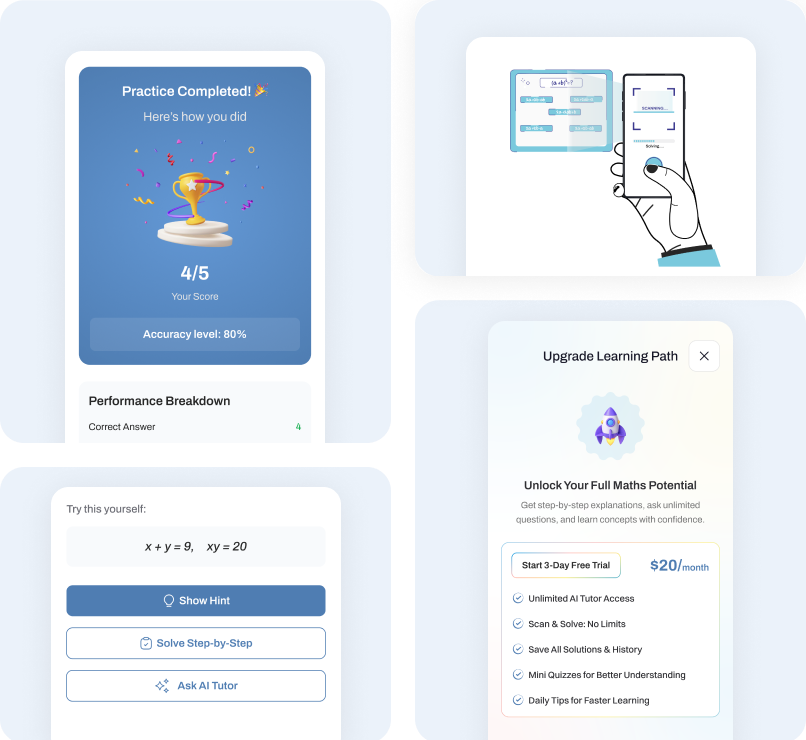
- Create a clear premium experience with a 3-day free trial and meaningful subscription benefits.
- Keep the first release focused while establishing a foundation that can scale into a broader AI learning platform.
Tech stacks

Figma
For Design

Flutter
For Mobile App

Firebase
For Database

Open AI
For API

RevenueCat
For In-App Purchases
Firebase Cloud Messaging
For Push Notifications

Google Analytics
For Analytics
Service Provided
Project Challenges
01. Turning Answers Into Learning
The core challenge was to go beyond simply providing the correct answer. MathIQ AI needed to help students understand the concept and method behind each solution, so they could solve similar problems independently in the future.
02. Creating Relevant Recommendations
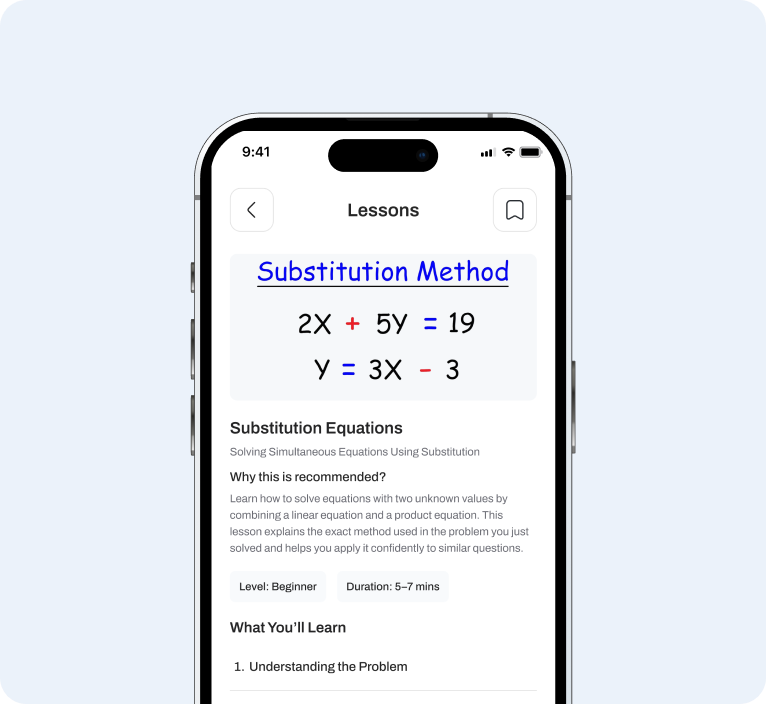
Users can ask questions through the AI Tutor or scan problems using the Camera. The challenge was to connect these activities with relevant lessons, so recommendations feel personalized rather than like generic learning content.
03. Simplifying Complex Mathematical Concepts
Math problems often involve multiple steps, equations, and formulas. The challenge was to present AI-generated explanations in a way that feels clear, structured, and easy to follow without overwhelming the learner.
04. Balancing AI Help With Active Learning
While AI can instantly solve a problem, the product also needed to encourage users to think, try, and learn. The challenge was designing interactions such as hints, guided solutions, concept explanations, and mini practice without making the experience feel complicated.
05. Keeping the First Release Focused
The product had several potential learning capabilities, but the first release needed to remain simple and focused. The challenge was deciding which features were essential to create a meaningful learning journey while keeping navigation and interactions intuitive.
Strategy and Solutions
01. Solve → Learn
Connected problem solving with concept-based learning through “Learn This Concept in Detail”, helping users understand the method behind each answer.
02. Smart Recommendations
Used recent AI Tutor questions and scanned problems to recommend relevant lessons based on the concepts users need to learn.
03. Simple Step-by-Step Solutions
Structured AI-generated answers into clear steps, equations, explanations, and highlighted final answers to make complex problems easier to follow.
04. Guided AI Learning
Designed multiple learning modes (Explain Concept, Solve Together, Ask Any Question and Exam Practice) to support different learning needs.
05. Learn Through Practice
Extended lessons with visual explanations, worked examples, key takeaways, and mini practice so users can apply what they learn.
06. Continuous Learning
Added Daily Tips, History, Bookmarks, and Notifications to help users revisit concepts and continue learning beyond a single question.
Results & Impact
Created a complete AI learning ecosystem
The experience connects problem solving, tutoring, recommendations, lessons, tips, and revision into one consistent learning journey.
Shifted the experience from answers to understanding
The Learn This Concept in Detail pathway encourages users to understand the method behind their solution rather than stopping at the final answer.
Personalized learning through activity
Recommendations can adapt to questions asked through both AI Tutor and Camera Scan, making suggested lessons contextually relevant.
Reduced cognitive load
Complex mathematical information is broken into clear steps, visual explanations, examples, and interactive practice.
Encouraged independent problem solving
Hints, guided solving, mini practice, and concept lessons give users opportunities to attempt problems themselves instead of relying entirely on AI.
Built a scalable foundation
The IA and core flows establish a foundation that can later expand into richer personalization, advanced practice, progress tracking, and adaptive learning.
Other Works
Explore some of the best solutions that we created to offer a best-in-class user experience.
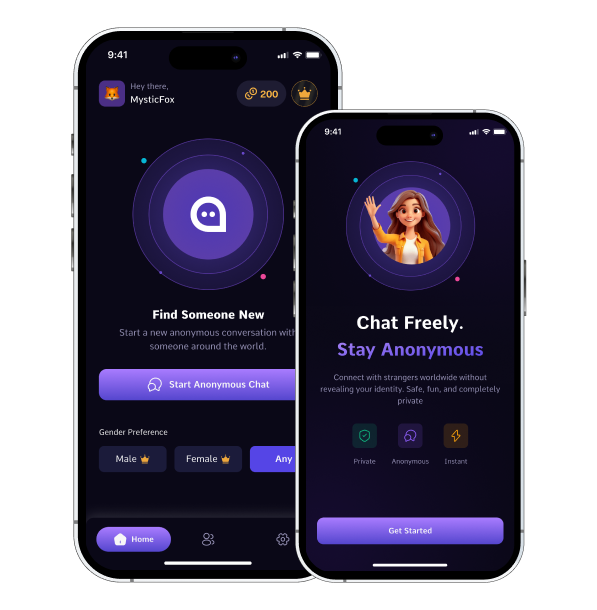
Anonix: Anonymous Chat App
Anonix is an anonymous social chat app that helps users connect and have meaningful conversations without revealing their personal identity.

CurriCraft: AI Curriculum Design Platform
CurriCraft is an AI-powered curriculum design web app that helps educators create personalized, structured curricula based on learning environments, levels, learning styles, and accessibility needs.
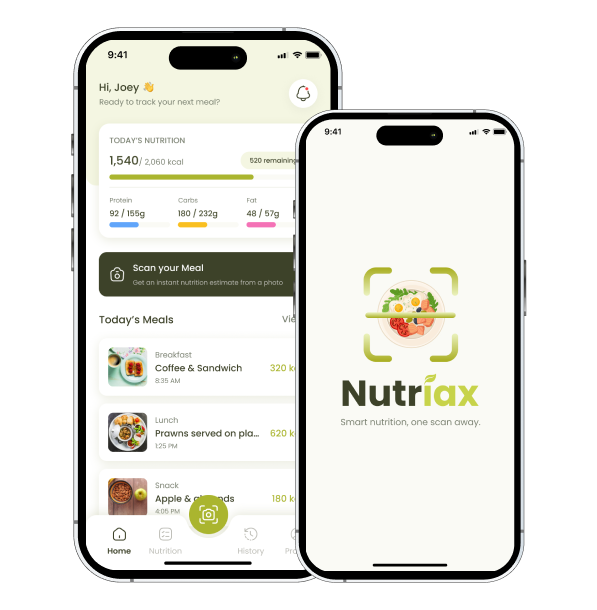
Nutriax: AI Meal Scanner App
Nutriax is an AI-powered meal scanner app that helps users understand their food through a simple photo.