



 Front-end
 Back-end
 Full Stack Developer
 Mobile
 Other
Other


 Company
 Contact Us
Choosing the right type of web application for your project can make a big difference in how it performs and how easy it is to manage. From simple static sites to complex e-commerce platforms, there's a lot to consider. Let's explore the different types of web applications available. If you already know roughly which type you need and the open question is who builds it, that is what our web development company engagement covers: one dedicated developer, or a small dedicated team, working full-time on your product in your repo.
What is a Web Application?
Before we dive into the types, let's understand what a web application is. Simply put, it's a software program that runs directly in your web browser. Unlike traditional software, you don't need to download or install anything.
These applications use a combination of client-side scripts (like HTML for structuring web content, JavaScript for adding interactivity, and CSS for styling) and server-side scripts (like NodeJS for handling HTTP requests and interacting with databases) to interact with users and process data.
1 - Static Web Applications
These are the most basic types of web applications. They’re primarily built using HTML for structuring the content and CSS for styling. These applications are best suited for simple websites like portfolios or digital brochures. Here’s what you should know about Static Web Applications:
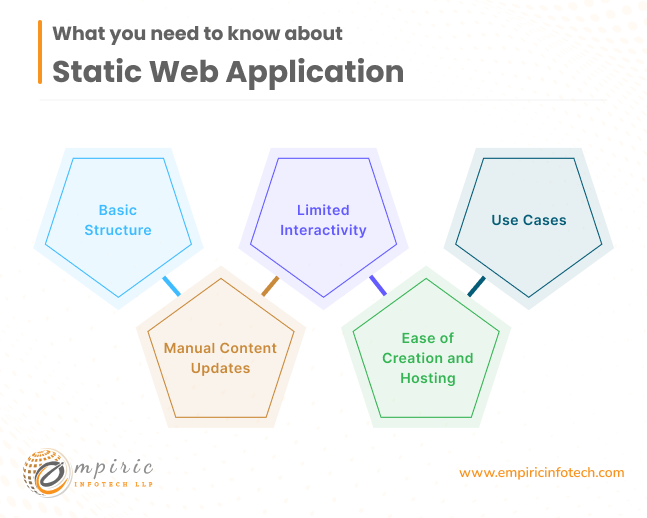
Basic Structure:
- Static web apps consist of HTML files for content and CSS files for styling.
- Example: A personal portfolio website showcases an artist’s work using static pages with fixed text and images.
Limited Interactivity:
- These apps lack dynamic features like user logins, real-time updates, or form submissions.
- Example: A digital brochure for a travel agency displays destination information but doesn’t allow users to book trips directly.
Manual Content Updates:
- Content remains unchanged unless developers manually edit the HTML or CSS files.
- Example: A restaurant menu website lists dishes and prices, but changes (e.g., new items, price adjustments) require developer intervention.
Ease of Creation and Hosting:
- Static sites are straightforward to build and deploy.
- Example: A personal blog with fixed articles and no commenting system can be hosted easily on platforms like GitHub Pages.
Use Cases of Static Web Applications:
- Landing Pages: Simple promotional pages for products or events.
- Informational Sites: Company brochures, event schedules, or contact pages.
- Prototypes: Quick mockups for testing design concepts.
Looking to build a simple yet effective website? Our team can help you create a stunning static web application. Contact us today.
2 - Dynamic Web Applications
Dynamic web applications are more intricate and interactive than static websites. They leverage both client-side and server-side scripts to generate content in real-time. Let’s break down the key points:
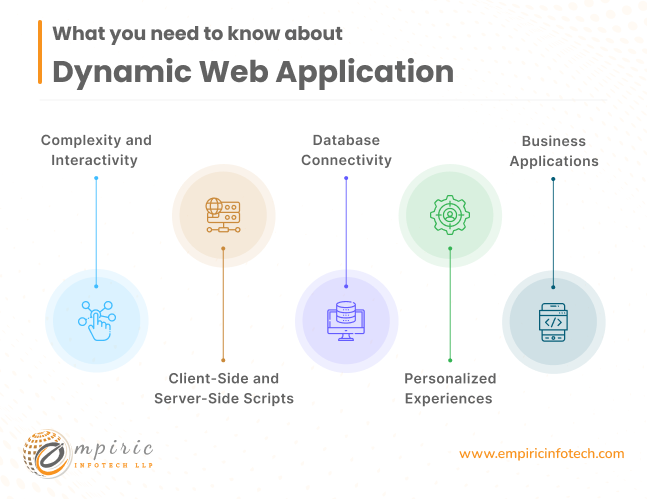
Complexity and Interactivity
Dynamic web applications respond to user actions, providing a seamless experience. For instance:
- Social Media Feeds: When you scroll through your Facebook or Twitter feed, new posts load dynamically without requiring a page refresh.
- Real-Time Chat: Messaging apps like WhatsApp or Slack update conversations instantly as new messages arrive.
- Interactive Forms: When you fill out an online form (e.g., for booking a flight), dynamic validation occurs as you type.
Client-Side and Server-Side Scripts
Client-Side Scripts (usually written in JavaScript):
- Execute in the user’s browser.
- Handle tasks like form validation, animations, and dynamic content loading.
- Example: When you click a button to expand a product description on an e-commerce site, client-side scripts fetch and display additional details.
Server-Side Scripts (often using like Node.js, Python or any other back-end programming languages):
- Run on the web server.
- Generate dynamic content before sending it to the user’s browser.
- Example: When you log in to an online banking portal, server-side scripts retrieve your account balance and transaction history from a database.
Database Connectivity
Dynamic web apps connect to databases (e.g., MySQL, PostgreSQL, MongoDB) to store and retrieve data.
Examples:
- E-Commerce: An online store displays personalized product recommendations based on your browsing history.
- User Profiles: Social networking sites show your friends’ recent activity or suggest new connections.
- News Aggregators: Sites like Reddit or Flipboard fetch articles from various sources and organize them based on your interests.
Personalized Experiences
User interactions drive personalization. Consider:
- Recommendation Engines: Netflix suggests movies based on your viewing habits.
- Custom Dashboards: Analytics platforms allow users to create personalized dashboards with specific metrics.
- Tailored News Feeds: Apps like Google News show articles relevant to your preferences.
Business Applications
Dynamic web apps benefit businesses that require:
-
High User Engagement: Interactive features keep users coming back.
-
Variable Content: Content changes dynamically based on context (e.g., weather updates, stock prices).
-
Examples:
- Online Marketplaces: Amazon’s product pages update prices, availability, and related items in real-time.
- Collaboration Tools: Google Docs allows simultaneous editing by multiple users.
Need a dynamic web application that can adapt to your users’ needs? Our experienced developers are ready to assist. Get in touch now.
3 - Single-Page Applications
SPAs load a single HTML page initially and then dynamically update content as users interact with the app. They offer a seamless user experience with minimal loading time, making them ideal for platforms where speed is critical, like social media or email clients. Here’s what you need to know:
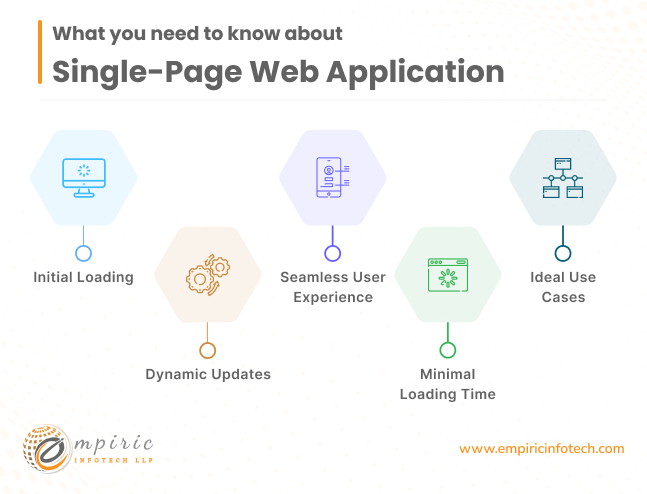
Initial Loading
- When a user opens an SPA, the entire application loads in their browser as a single HTML page.
- Example: Imagine opening a task management app like Todo list. The initial page load includes the app’s layout, navigation, and basic components.
Dynamic Updates
- SPAs use client-side scripting (usually JavaScript) to fetch data from APIs or the server without reloading the entire page.
- Example: In an SPA like Google Drive, when you create a new document, the app dynamically adds it to your file list without refreshing the entire interface.
Seamless User Experience
- SPAs provide a smooth, app-like experience. Transitions between views happen instantly, without visible page reloads.
- Example: GitHub uses SPAs for code repositories. When you switch between branches or files, the content updates seamlessly.
Minimal Loading Time
- Since SPAs load only once, subsequent interactions (like clicking links or submitting forms) don’t require full page reloads.
- Example: In an SPA for a weather app, the transition is quick and smooth when you switch from the current weather view to the 7-day forecast.
Ideal Use Cases
SPAs are great for platforms where responsiveness and speed matter:
- Social Media Feeds: Facebook, Twitter, and Instagram load new posts without refreshing the entire page.
- Email Clients: Gmail or Outlook Web App (OWA) update emails and folders instantly.
- Collaboration Tools: Apps like Slack allow real-time messaging and channel updates.
4 - Multi-Page Web Applications
Unlike SPAs, MPAs reload the entire page from the server when the user interacts with the application. They're more suitable for websites with a large amount of content and diverse functionalities, like e-commerce sites or online catalogs. Here’s what you need to know about MPAs:
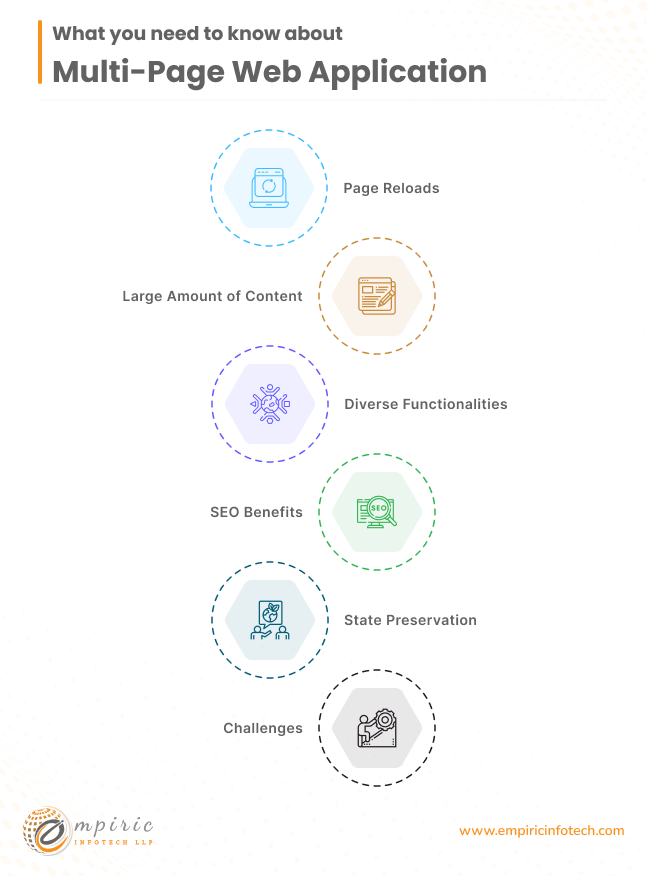
Page Reloads
- Unlike SPAs, where content updates dynamically without full page reloads, MPAs load entirely new pages from the server.
- Example: When you click a link in an MPA, it fetches a new HTML page, replacing the existing one. This process is visible as a brief loading time.
Large Amount of Content
- MPAs are suitable for websites with extensive content, such as blogs, news portals, or educational platforms.
- Example: Wikipedia is an MPA because each article opens as a separate page, allowing in-depth exploration
Diverse Functionalities
- MPAs accommodate various features and functionalities across different pages.
- Example: An e-commerce site has multiple pages—product listings, individual product pages, shopping cart, checkout, and order history.
SEO Benefits
- MPAs can improve search engine optimization (SEO) because each page has a unique URL and metadata.
- Example: When you search for specific topics on Stack Overflow, individual question pages appear in search results.
State Preservation
- Since MPAs reload pages, they maintain state (e.g., form input, scroll position) during navigation.
- Example: In an online forum, if you’re halfway through a long thread, an MPA ensures you don’t lose your place.
Challenges
- MPAs can be slower due to repeated page loads and server requests.
- Example: In an online banking portal, each transaction or account detail view requires a new page load.
Need a comprehensive multi-page web application? Our team can build it for you. Let’s connect.
5 - Progressive Web Applications
Progressive Web Applications (PWAs) bridge the gap between traditional web pages and native mobile apps. They're installable on a device's home screen and offer features like offline functionality and push notifications. They're highly efficient and offer a smooth user experience. Here’s what you need to know about PWAs:
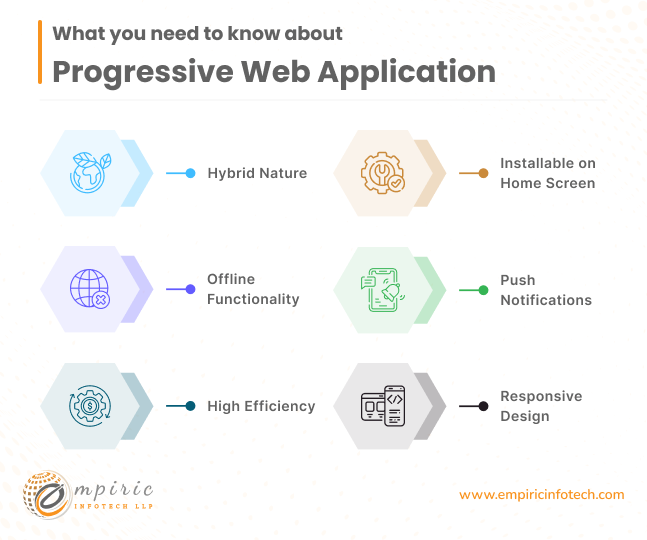
Hybrid Nature
- PWAs combine the best of both worlds: the accessibility of web pages and the functionality of mobile apps.
- Example: Imagine a weather app that you can access via a browser (like a website) but also install on your phone’s home screen (like an app).
Installable on Home Screen
- PWAs can be added to a user’s home screen directly from the browser, just like native apps.
- Example: When you visit Twitter Lite in your mobile browser, you can choose to install it. It then appears alongside your other apps.
Offline Functionality
- PWAs work even when the device is offline or has a poor network connection.
- Example: An offline note-taking app built as a PWA allows you to create and edit notes without an internet connection.
Push Notifications
- PWAs can send notifications to users like native mobile apps.
- Example: Pinterest sends push notifications when someone pins your content or when new pins match your interests.
High Efficiency
- PWAs are lightweight and load quickly, improving overall performance.
- Example: Flipkart Lite, an e-commerce PWA, provides a smooth shopping experience with minimal loading time.
Responsive Design
- PWAs adapt seamlessly to different screen sizes, whether on desktop, tablet, or mobile.
- Example: Uber’s PWA adjusts its interface based on the user’s device, ensuring a consistent experience.
Looking to leverage the latest in web technology with a Progressive Web Application? We can help. Contact us today.
6 - Content Management Systems
A Content Management System (CMS) is a powerful tool for efficiently managing digital content on websites in a collaborative environment. Imagine a blog platform where authors, editors, and administrators work together to write articles, add images, and schedule posts. Here’s what you need to know, along with examples:
User-Friendly Interface
- CMS platforms offer intuitive interfaces, making it easy for non-technical users to manage content.
- Example: WordPress, one of the most popular CMSs, allows bloggers to write and format posts without coding knowledge.
Content Creation and Editing
- Authors can create new pages, blog posts, or other content directly within the CMS.
- Example: In a news site, journalists use the CMS to write articles, embed multimedia, and add relevant tags.
Version Control
- CMSs track revisions, allowing users to revert to previous versions if needed.
- Example: An academic journal website maintains a history of research papers, ensuring accurate citations and updates.
Content Organization
- CMSs provide features like categories, tags, and taxonomies to organize content.
- Example: An online magazine categorizes articles by topics (e.g., technology, lifestyle, health).
Workflow and Permissions
- Users have different roles (authors, editors, administrators), each with specific permissions.
- Example: In an e-learning platform, instructors create course content, while administrators manage user accounts.
Templates and Themes
- CMSs offer customizable templates and themes for consistent design.
- Example: Drupal allows organizations to build custom websites with unique layouts and styles.
SEO Optimization
- CMSs help optimize content for search engines by allowing meta tags, friendly URLs, and sitemaps.
- Example: WordPress and Joomla provide SEO extensions to improve a site’s visibility in search results.
Dynamic Content
- CMSs handle dynamic elements like comments, user profiles, and interactive forms.
- Example: A community forum built on a CMS allows users to discuss topics, reply to threads, and share insights.
Want a robust CMS for easy content management? Our developers can build it for you. Get in touch now.
7 - eCommerce Web Applications
These applications facilitate online buying and selling. They're complex systems that integrate various functionalities like product displays, shopping carts, and payment processing. Security is crucial for these applications to protect sensitive customer data. Here’s what you need to know about eCommerce web applications:
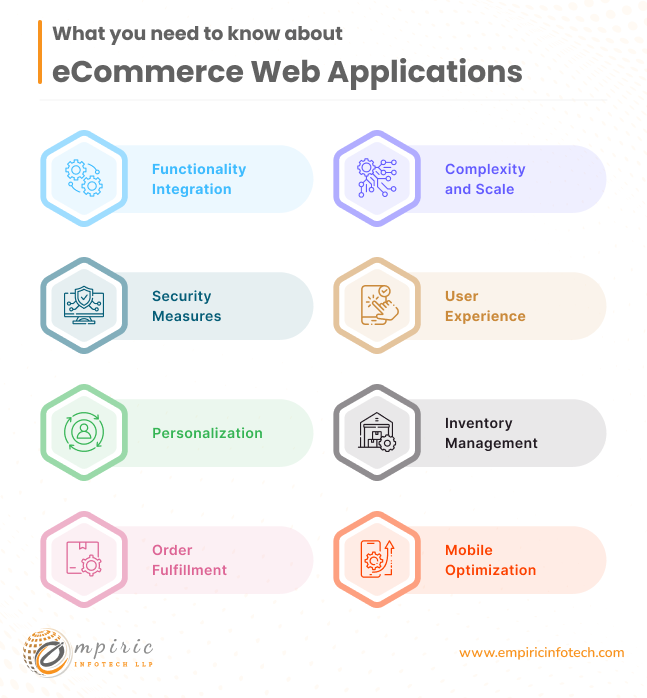
Functionality Integration
eCommerce apps are multifaceted systems that seamlessly combine various features:
- Product Displays: These showcase items with detailed descriptions, images, and pricing.
- Shopping Carts: Users can add products, review their selections, and proceed to checkout.
- Payment Processing: Secure payment gateways handle transactions (e.g., credit cards, PayPal).
- Example: Amazon provides an extensive product catalog, personalized recommendations, and a smooth checkout process.
Complexity and Scale
eCommerce platforms handle large inventories, diverse product categories, and user accounts.
Example: Alibaba serves millions of sellers and buyers across the globe, offering everything from electronics to clothing.
Security Measures
Protecting customer data is paramount. SSL encryption, secure APIs, and compliance with regulations (e.g., GDPR) are crucial.
Example: Shopify ensures data privacy during payment transactions and account management.
User Experience
Intuitive navigation, responsive design, and fast loading times enhance the shopping journey.
Example: Etsy provides a user-friendly interface for discovering handmade crafts and vintage items.
Personalization
eCommerce apps tailor content based on user behavior, preferences, and past purchases.
Example: Zappos recommends shoes based on your style and size preferences.
Inventory Management
Real-time inventory tracking prevents overselling and ensures accurate stock levels.
Example: An online grocery store updates availability as items are added to carts.
Order Fulfillment
eCommerce systems manage order processing, shipping, and returns.
Example: eBay connects buyers and sellers, handling transactions and shipping logistics.
Mobile Optimization
Responsive design and mobile apps allow seamless shopping on smartphones and tablets.
Example: Walmart offers a mobile app for browsing products, scanning barcodes, and making purchases.
Planning to start an online store? We can build a secure and user-friendly eCommerce web application for you. Reach out to us..
8 - JavaScript-Powered Web Applications
JavaScript is a versatile programming language used for creating dynamic and interactive user experiences. It's ideal for applications that require real-time data updates, like social media platforms or online games. Here’s what you need to know about JavaScript-Powered Web Applications.
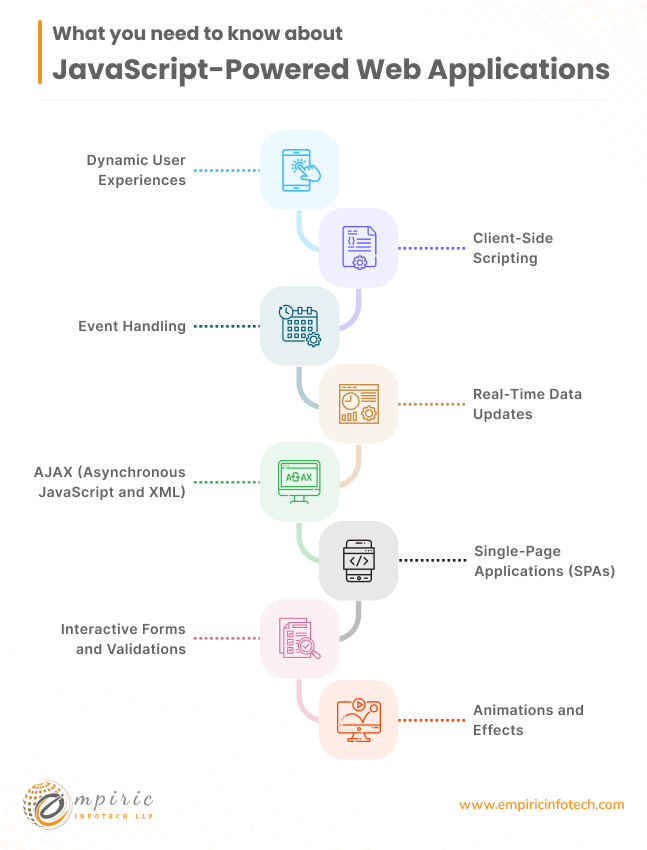
Dynamic User Experiences
JavaScript enables dynamic content updates without requiring full page reloads.
Example: When you scroll through your Twitter feed, new tweets appear instantly, thanks to JavaScript fetching and rendering data.
Client-Side Scripting
JavaScript runs in the user’s browser, allowing for client-side interactions.
Example: In an online survey form, JavaScript validates input fields, displays error messages, and updates the UI as users' type.
Event Handling
JavaScript responds to user actions (e.g., clicks, mouse movements, keyboard input).
Example: When you click the “Add to Cart” button on an e-commerce site, JavaScript triggers the cart update.
Real-Time Data Updates
JavaScript fetches data from APIs or servers and dynamically refreshes content.
Example: Google Maps displays live traffic conditions, route changes, and location markers as you interact with the map.
AJAX (Asynchronous JavaScript and XML)
AJAX allows seamless data exchange between the browser and the server without page reloads.
Example: When you search for flights on a travel booking site, AJAX fetches available options and displays them instantly.
Single-Page Applications (SPAs)
SPAs heavily rely on JavaScript for smooth transitions between views.
Example: GitHub loads code repositories dynamically, making navigation seamless.
Interactive Forms and Validations
JavaScript enhances form submissions by validating input and providing real-time feedback.
Example: When you submit a contact form, JavaScript ensures all required fields are filled correctly.
Animations and Effects
JavaScript powers animations, sliders, and visual effects.
Example: Netflix uses JavaScript for smooth video playback controls and transitions.
Need a fast and responsive JavaScript-powered web application? Our team is ready to assist. Let’s connect.
9 - Rich Internet Web Applications
RIAs deliver a user experience like desktop applications within a web browser. They offer interactive features and a rich user interface, making them great for data visualization and real-time interaction. Here’s what you need to know about Rich Internet Web Applications:
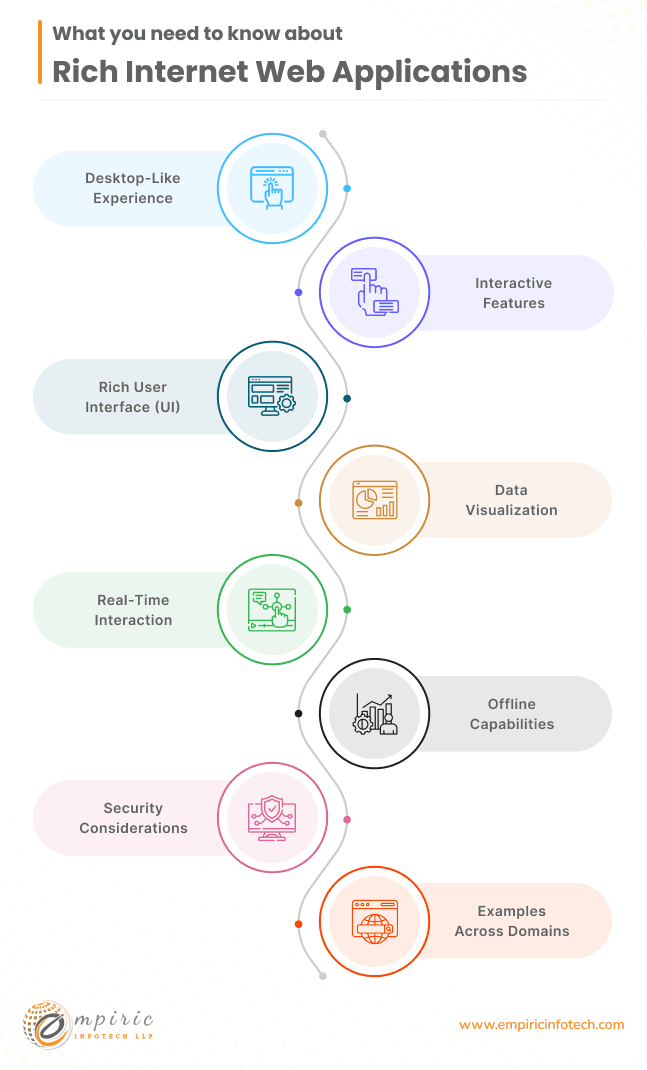
Desktop-Like Experience:
RIAs offer features typically associated with desktop software, such as responsive layouts, smooth animations, and interactive components.
Example: Google Docs provides a word processing environment with real-time collaboration, like a desktop application.
Interactive Features:
RIAs go beyond static web pages. They allow users to interact with data, manipulate visual elements, and perform complex tasks.
Example: Tableau, a data visualization tool, lets users explore and analyze datasets interactively through charts and graphs.
Rich User Interface (UI):
RIAs prioritize aesthetics and usability. They use advanced UI components like sliders, drag-and-drop interfaces, and custom widgets.
Example: Canva, a graphic design platform, offers a visually appealing interface for creating posters, social media graphics, and presentations.
Data Visualization:
RIAs excel at presenting data in dynamic and engaging ways. Charts, maps, and dashboards come to life.
Example: Highcharts allows developers to create interactive charts (line charts, pie charts, etc.) directly in the browser.
Real-Time Interaction:
RIAs update content instantly as users interact. Changes occur without page reloads.
Example: Trello, a project management tool, lets team members collaborate on boards, cards, and tasks in real time.
Offline Capabilities:
Some RIAs work offline or in low-connectivity scenarios, caching data for later use.
Example: Google Drive allows document editing even when you’re offline, syncing changes once you’re back online.
Security Considerations:
RIAs handle sensitive data, so security measures (e.g., encryption, authentication) are crucial.
Example: Salesforce, a customer relationship management (CRM) platform, ensures data privacy for businesses.
Examples Across Domains:
Education: Khan Academy offers interactive math exercises and video lessons.
Entertainment: Spotify’s web player lets users create playlists and explore music catalogs.
Gaming: Agar.io is an RIA game where players control cells and compete against others.
Want to provide your users with a rich and interactive experience? We can help you build a RIWA. Contact us today.
10 - Portal Web Applications
Portal web applications act as gateways to various information and services. They typically require user authentication and offer personalized content from different sources. Here’s what you need to know about Portal Web Applications.
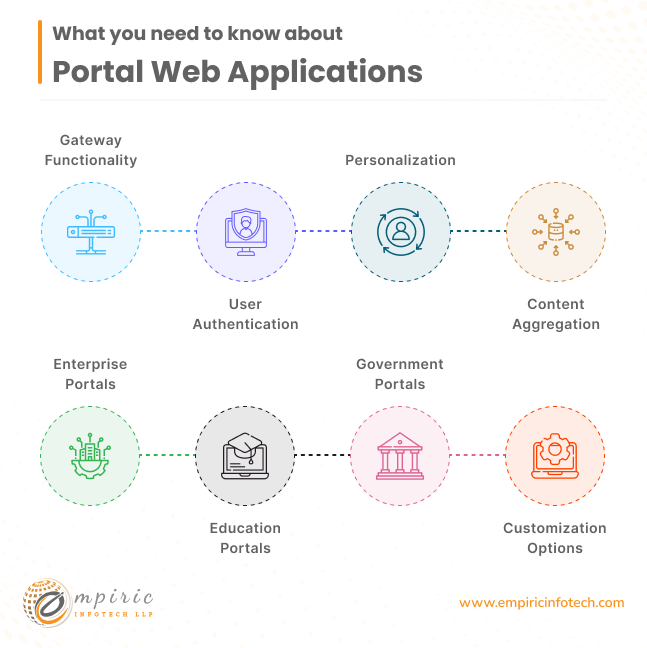
Gateway Functionality
Portals aggregate content from diverse sources, providing users with a unified interface.
Example: LinkedIn serves as a professional networking portal, connecting users to job listings, industry news, and professional contacts.
User Authentication
Portals often require users to log in or authenticate to access personalized content.
Example: Office 365 Portal allows users to access their email, calendar, and documents after signing in.
Personalization
Portals tailor content based on user profiles, preferences, and roles.
Example: MyHealth Online, a healthcare portal, displays personalized medical records, appointment schedules, and health advice.
Content Aggregation
Portals combine information from various sources, such as news articles, weather updates, and stock market data.
Example: iGoogle (discontinued) allowed users to customize their homepage with widgets for news, sports, and social media.
Enterprise Portals
- Organizations use portals for internal communication, document sharing, and collaboration.
- Example: SharePoint provides a company-wide portal for employees to access documents, team sites, and announcements.
Education Portals
- Educational institutions use portals for course materials, grades, and student services.
- Example: Blackboard Learn offers an academic portal for students and instructors to manage coursework.
Government Portals
- Government websites serve as portals for citizens to access services, forms, and official information.
- Example: USA.gov provides a central portal for U.S. government resources.
Customization Options
Users can often personalize their portal experience by adding or rearranging widgets, bookmarks, or shortcuts.
Example: Netvibes allows users to create custom dashboards with news feeds, social media updates, and weather widgets.
Need a portal web application for your business? Our experienced developers can build it for you. Get in touch now.
11 - Animated Web Applications
These applications focus on delivering rich visual content and interactive elements using animations. They're popular in fields that require high levels of user engagement, like online advertising or gaming. Here’s what you need to know more about Animated Web Applications:
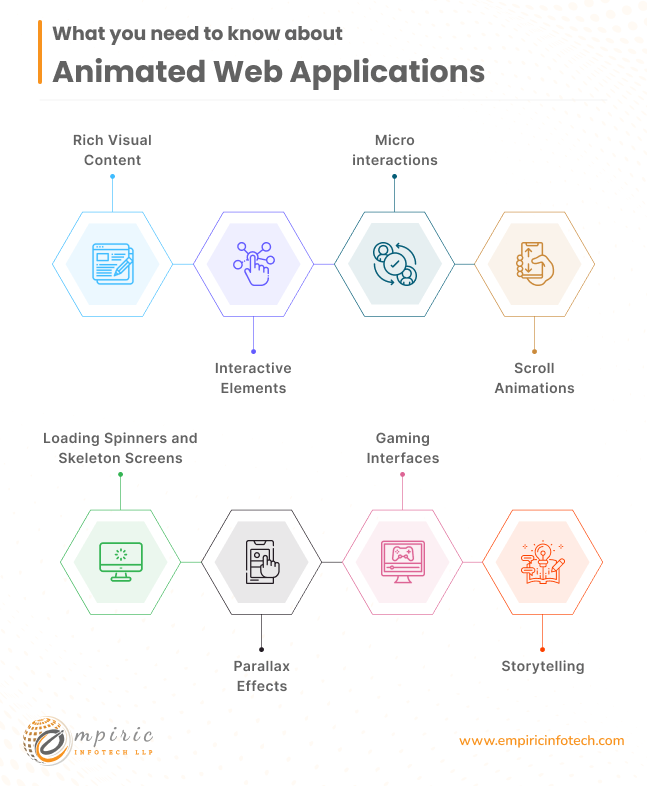
Rich Visual Content
- Animated apps use visuals beyond static images. They incorporate motion, transitions, and effects.
- Example: Dribbble, a design community platform, showcases animated UI elements, icons, and illustrations.
Interactive Elements
- Animations enhance user interactions. Buttons, menus, and hover effects respond dynamically.
- Example: Stripe Checkout, an online payment form, smoothly animates credit card input fields as users' type.
Micro interactions
- Small animations (like button clicks, form submissions, or notifications) improve usability.
- Example: When you heart a tweet on Twitter, the animation provides feedback and delight.
Scroll Animations
- As users scroll down a page, elements fade in, slide, or transform.
- Example: Apple’s iPhone 13 Pro page uses scroll animations to reveal product features and specs.
Loading Spinners and Skeleton Screens
- Animated loading indicators keep users engaged during content retrieval.
- Example: Facebook displays a spinner while fetching new posts in the feed.
Parallax Effects
- Background elements move at different speeds, creating depth and immersion.
- Example: Nike’s Air Max Day site uses parallax to showcase shoe designs as users scroll.
Gaming Interfaces
- Game apps rely heavily on animations for character movements, transitions, and visual effects.
- Example: Agar.io, a browser-based multiplayer game, animates cell growth and collisions.
- Animated narratives engage users. Comics, explainer videos, and interactive stories use motion.
- Example: Google’s “The Hidden Worlds of the National Parks” combines animation and real footage
Want to engage your users with an animated web application? We’ve got you covered. Reach out to us.
Benefits of Web Applications for Businesses
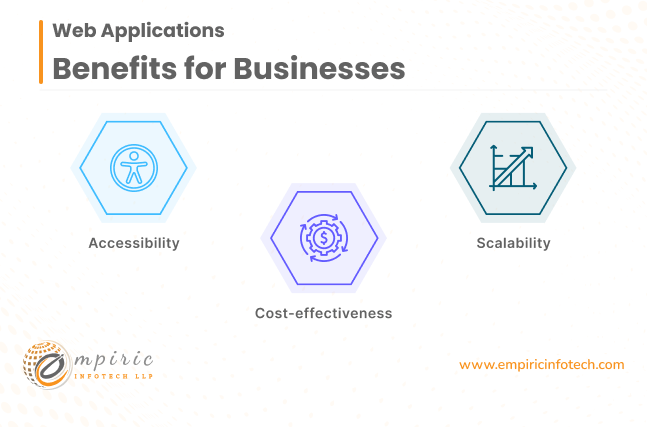
Benefit #1: Accessibility
Web applications offer businesses the advantage of reaching customers anytime, anywhere if they have an internet connection. This universal access ensures consistent user experiences across various devices and platforms, expanding the market reach significantly.
Benefit #2: Cost-effectiveness
Compared to traditional software applications, web applications typically require less upfront investment. They eliminate the need for users to purchase additional hardware or software since they can be accessed directly through web browsers.
Moreover, the ongoing maintenance costs are lower due to fewer manual updates and less reliance on IT support.
Benefit #3: Scalability
One of the key benefits of web applications for businesses is their ability to scale easily. As businesses grow and attract more users, web applications can accommodate the increased demand without significant infrastructure changes.
Hosting web applications on cloud platforms provides flexibility to adjust resources according to fluctuating user traffic, ensuring optimal performance.
Challenges of Web Applications for Businesses

Challenge #1: Security
Despite their numerous benefits, web applications are vulnerable to various security threats, including unauthorized access, data breaches, and cyberattacks.
To mitigate these risks, businesses must implement robust security measures such as regular security audits, data encryption, secure coding practices, authentication and authorization mechanisms, input validation, and API security measures like keys, tokens, or OAuth.
Challenge #2: Performance Issues
Performance issues can arise if web applications are not properly designed or hosted on inadequate servers. Slow loading times and poor user experiences can negatively impact customer satisfaction and engagement.
Businesses must invest in reliable hosting services and optimize their web applications to ensure smooth and responsive performance under all conditions.
Challenge #3: Online-only Usage
One limitation of traditional web applications is their dependency on internet connectivity. Users in areas with unreliable internet access may find it challenging to access and use web applications effectively.
Moreover, users may lose their progress when the internet connection drops or becomes unstable, leading to frustration and decreased productivity.
Conclusion
Each type of web application has its benefits and challenges, so choosing the right one for your project is essential. Whether you want to enhance user engagement or improve data management, there's a web application type for you.
If you're confused about which type of web application is best for you, we can help simplify the process and create something amazing for you.
Contact Empiric Infotech LLP today to learn more about our web application development services!
What the build actually looks like
Whichever type you land on, the shape of the work is the same: a dedicated developer, or a small dedicated team, working full-time and exclusively on your product, in your GitHub or GitLab org and your cloud account. Empiric Infotech runs that as a remote web development company engagement at $2,000 USD per month per developer for 160 to 172 hours, billed monthly upfront, with a senior lead reviewing and testing every release. There is a 7-day risk-free trial before you commit to a full month.